-
Admin calls GetConfigurationFields and uses the result to add fields to the configuration dialog.
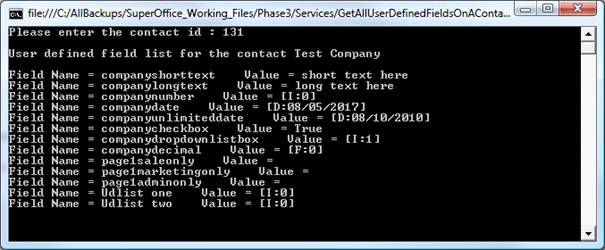 For example: if
 GetConfigFields()returns the following list, the Configure Quote Connection dialog will look like below.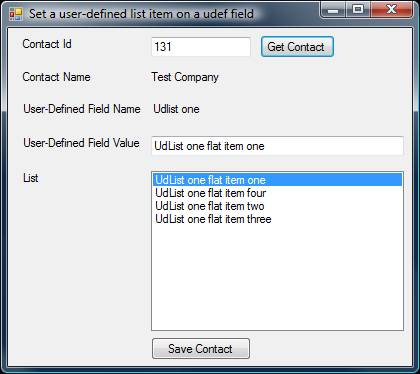
-
The user clicks the TEST button in the dialog, and the
TestConnectionmethod is called with the values from the dialog. - When the user clicks OK, the values are saved to the SuperOffice database as a connection.
Dictionary< string, FieldMetadataInfo > GetConfigurationFields ()
Used by the admin client. This is a request for metadata needed to populate the Configure Quote Connection dialog that takes in the information needed to create a connection to an ERP system. The values entered in the dialog are stored in the SuperOffice database and used whenInitializeConnection is called by the client.
The key in the Dictionary is the FieldKey and must match the key in the FieldMetadataInfo.
PluginResponseInfo TestConnection ( Dictionary<string, string> connectionData connectionData )
Used by the admin client. Testing if the connection data is sufficient to get a connection with the ERP system. The connector should try to do some operations to check if the connection has sufficient rights to run. The connection has not been created yet.TestConnection is called without InitializeConnection being called first.
The key in the Dictionary is the FieldKey, and must match the key in the FieldMetadataInfo. The value is what the user entered. see the paragraph “Config Values” below for details.
Pitfall
You cannot populate lists based on the partially filled out user interface during first-time setup.