

The code examples on this page use the nuget SOAP proxies, SuperOffice.NetServer.Services.
Code
CS
Walk-through
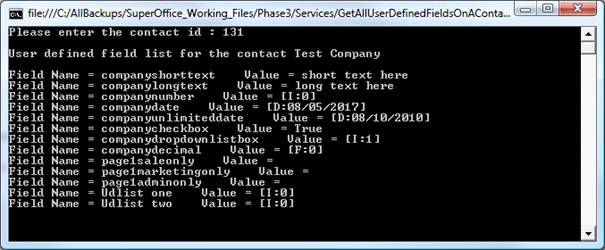
In the above example, we have used theGetUserDefinedFieldList method of SuperOffice.CRM.Services.IUserDefinedFieldInfoAgent to get the user-defined field list. This method returns information about all the user-defined fields on a particular owner type (such as project, contact, and person). We have specified Contact as the type, as shown below:
CS
UserDefinedFieldInfo collection to get the field label and the corresponding value for each user-defined field. The contact entity has a string dictionary of user-defined data. The ProgId of the user-defined field is passed to the udef field data dictionary to get the corresponding field value:
CS