

ScriptHook1.
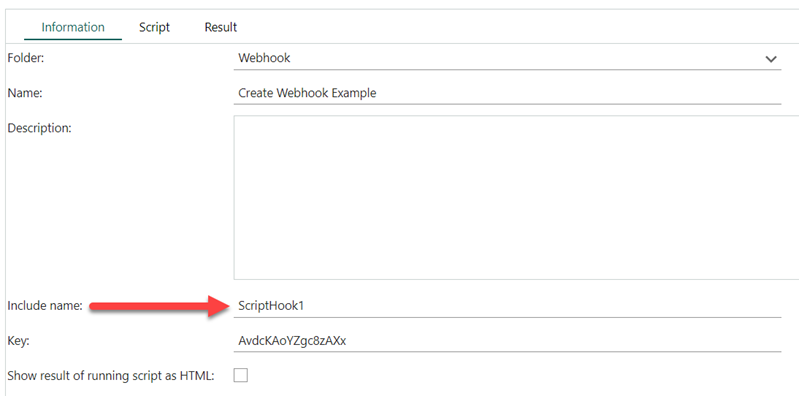 We then need to create a hook that will call this script:
- CRMScript API
- REST API
Create a webhook using CRMScript
This CRMScript will create a webhook that when triggered, calls a CRMScript with Include nameScriptHook1.crmscript.
This example above adds a webhook that will call the ScriptHook1 script whenever a new contact is created or changed. The script is identified using the unique include name as the TargetUrl value.
Unlike webhooks of type webhook, a CRMScript webhook gets the values of the changed fields, not just the names of the changed fields as parameters.
Parameters passed to the CRMScript:
- ChangedByAssociateId
- Changes.(fieldname)
- ContextIdentifier
- Entity
- Event
- EventId
- PrimaryKey
- Timestamp
- any properties defined on the webhook
Get all webhooks with CRMScript
Applications in SuperOffice CRM Online can only see the webhooks they themselves create. Therefore, when you call
GetAllWebhooks in CRMScript, you will only see the webhooks created by CRMScript in Service.