Set up ActiveDirectoryCredentialPlugin
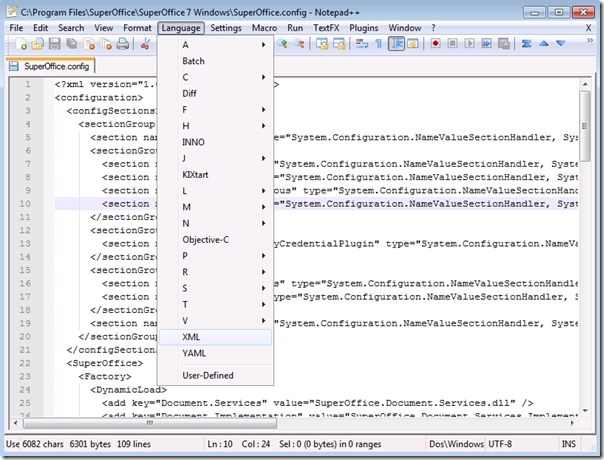
The SoAdmin.exe administration client uses user-administration implemented within NetServer. This implementation is plug-in-based and the plug-in implementing the Active Directory support is called ActiveDirectoryCredentialPlugin. Two areas of the SuperOffice.config file need to be modified to provide a detailed configuration for this plugin.-
Declare the existence of this configuration section. This has to be added within the SuperOffice
<sectionGroup>declaration. A new section group security and a new section ActiveDirectoryCredentialPlugin have to be added.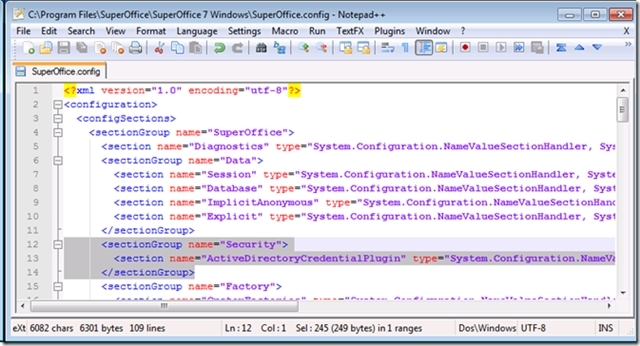
-
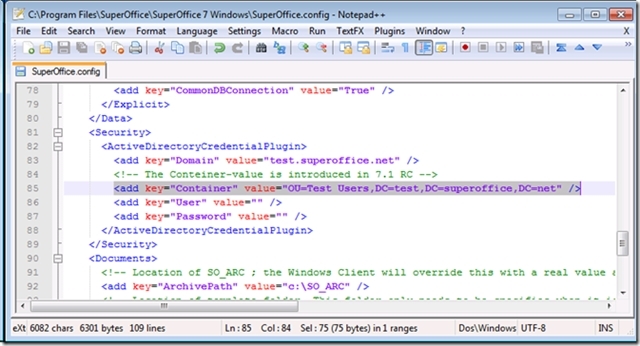
Add the actual configuration.
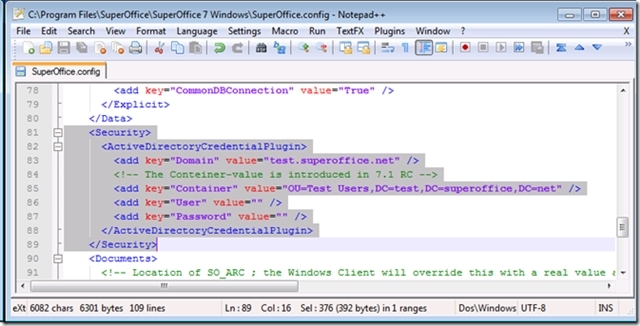
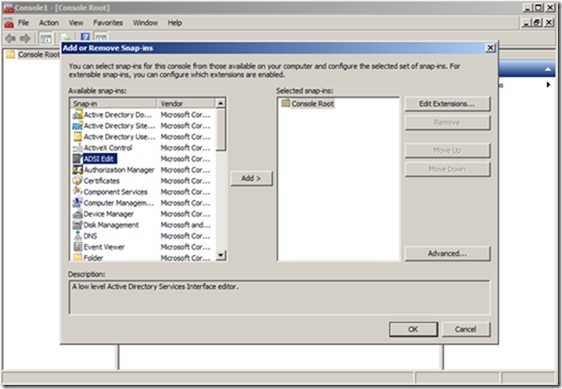
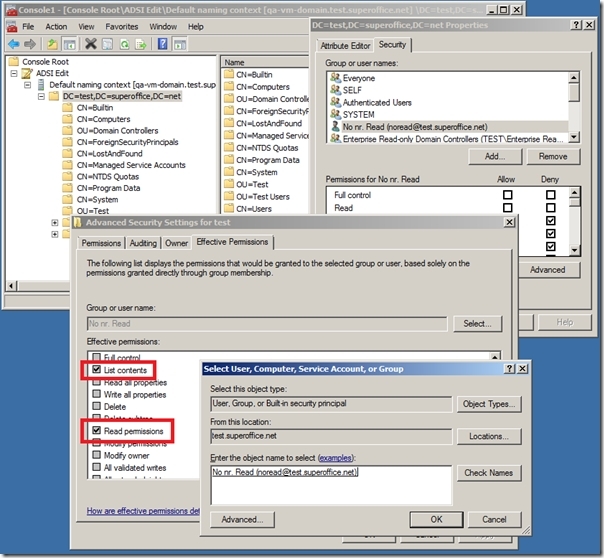
SuperOffice NetServer uses the Microsoft .NET library System.DirectoryServices.AccountManagement when searching Active Directory. The minimum required permissions to Active Directory is Read and List content. The best way to verify that the right permissions are available is to use the ADSI Edit Snap-in to MMC.
 You can select the root note of Active Directory, Properties, Advanced, and Effective Permissions, select the user that is accessing Active Directory and verify that the user has List content and Read permissions.
Turn on logging warnings to a file (7.1)
SuperOffice 7.1 (from RC and beyond) has additional improvements. Some of the error messages are replaced by warnings logged by NetServer. Support for specifying a container is introduced as well. Logging warnings to a file must be turned on to see the warnings produced by NetServer. Logging warnings to file should be the first action if a problem with Active Directory integration is observed.-
Make sure that
LogWarningis turned on: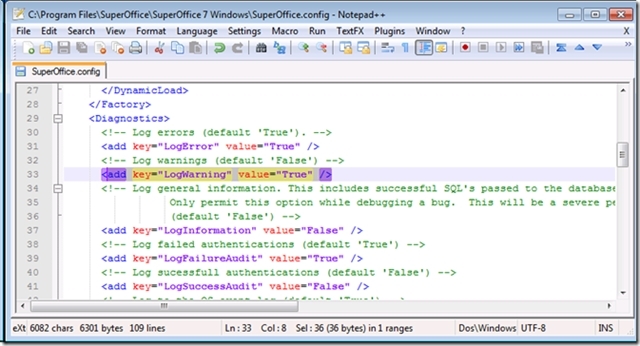
-
Turn on logging to file in a folder where the logged-in user has write permissions.
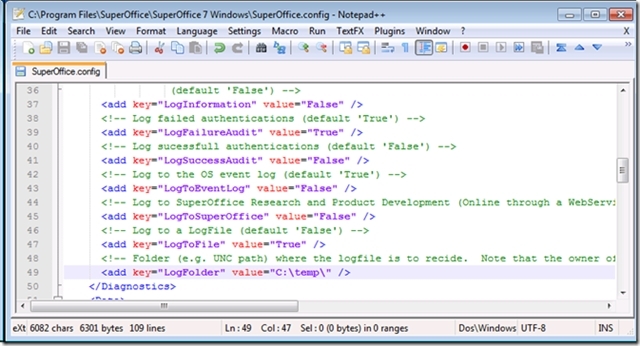
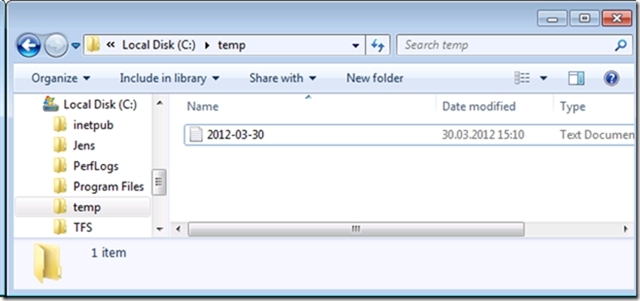 The error message returned from the system will be in this file:
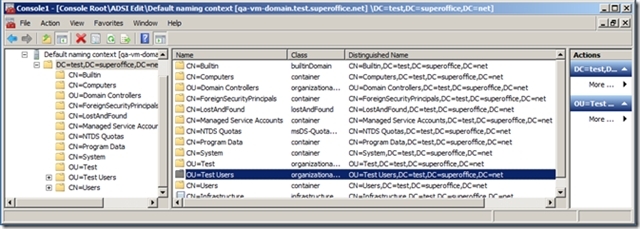 By specifying the full name of this Organization Unit in the SuperOffice.config file, searches will be restricted to this node.