Installer
All installation tasks are performed by the installer found in the folder SuperOffice Server\Client. To install the client run the MSI Installer SuperOffice9.exe found in the SuperOffice Server\Client folder. Note: If you want to use Oracle you need to install the Oracle client drivers on each client first. Oracle 10g may run on the Microsoft version of the Oracle driver. It will default install to C:\Program Files (x86)\SuperOffice. The default location for SuperOffice temp (SoTemp) is Local.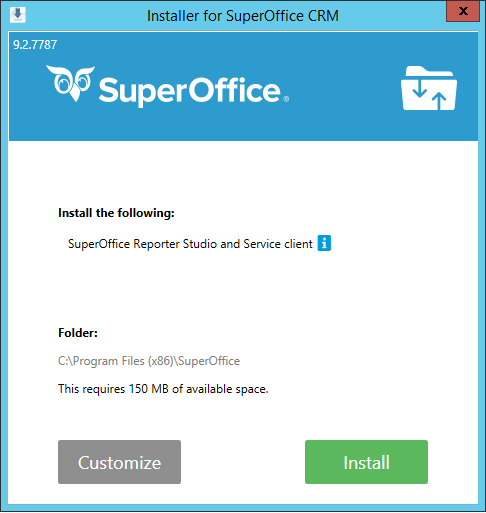 If you choose Customize, you may choose where you want to install it and also choose to install additional options.
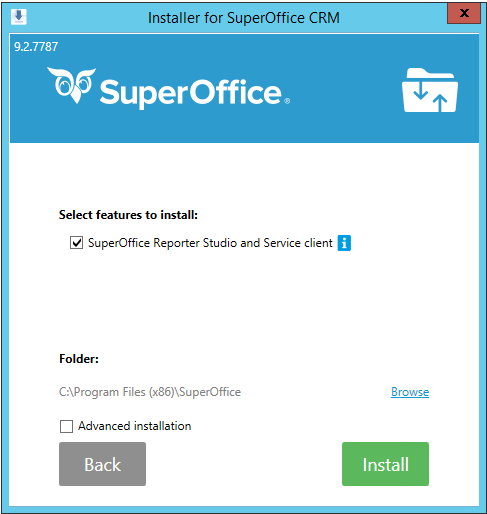 An Advanced installation will give you the option to select additional features and will display the installation wizard for each component.
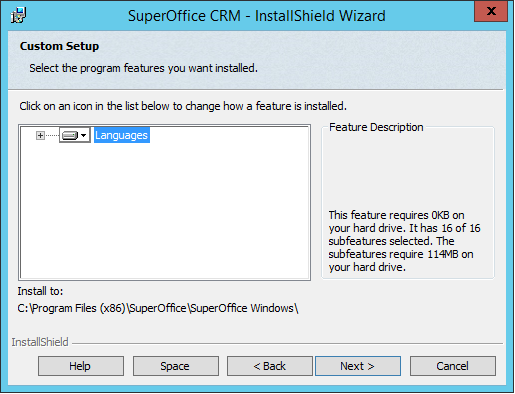
SuperOffice Admin client installation has Typical and Custom installation types. Custom installation allows you to select which languages will be installed.
An Advanced installation will give you the option to select additional features and will display the installation wizard for each component.
SuperOffice Admin client installation has Typical and Custom installation types. Custom installation allows you to select which languages will be installed.
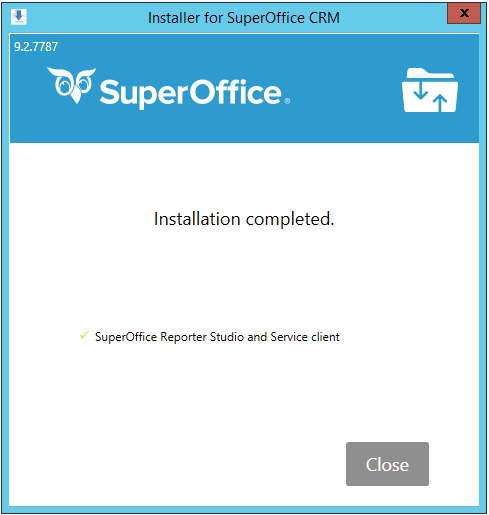
 After the installation is completed all components are installed.