

Overview of jobs
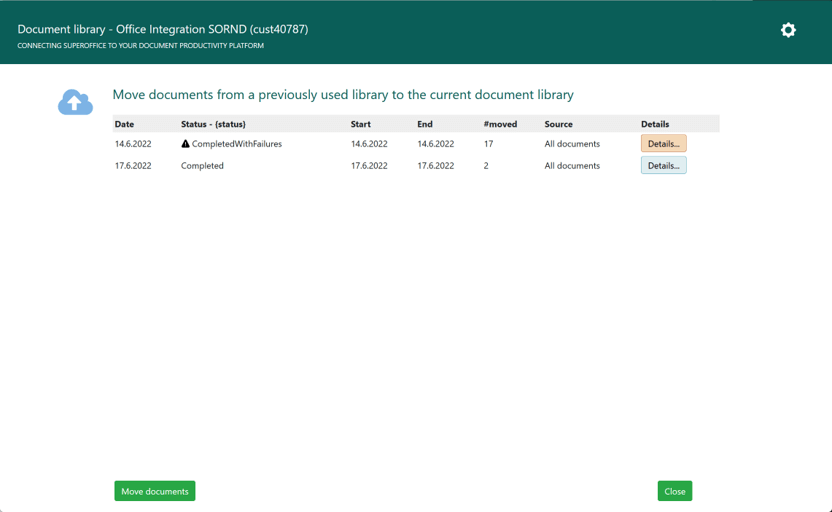
Job status
Job details
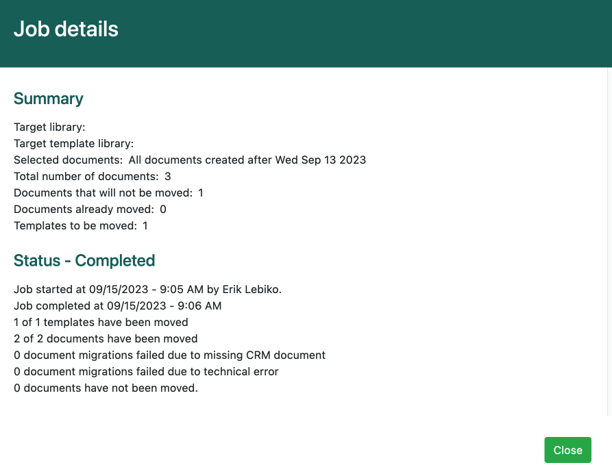 The Summary section shows a summary of the jobs scheduled using the wizard.
The Status section shows a detailed status of ongoing and completed jobs. It sums up the migration. If the migration fails, you will get an error report.
The Summary section shows a summary of the jobs scheduled using the wizard.
The Status section shows a detailed status of ongoing and completed jobs. It sums up the migration. If the migration fails, you will get an error report.
Pre-migration tests (step 2)
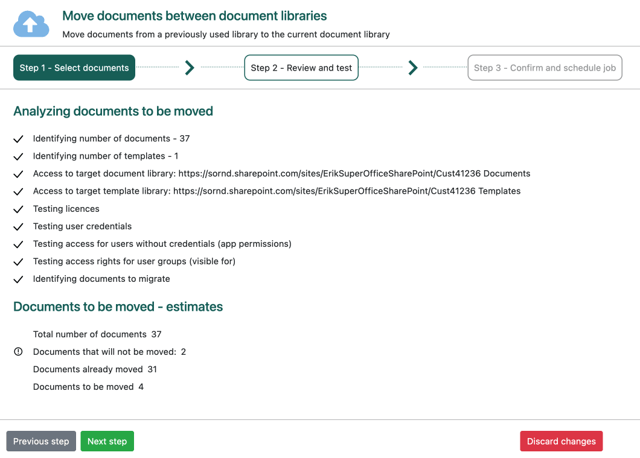
Analyzing documents to be moved
Documents to be moved - estimates
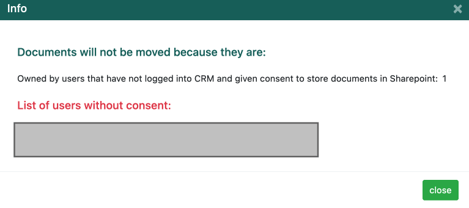
- Owned by users that have not logged into CRM and given consent to store documents: After configuring SharePoint, all users must log in and give their consent for the integration to store documents in SharePoint. Otherwise, documents belonging to those users will not be moved.