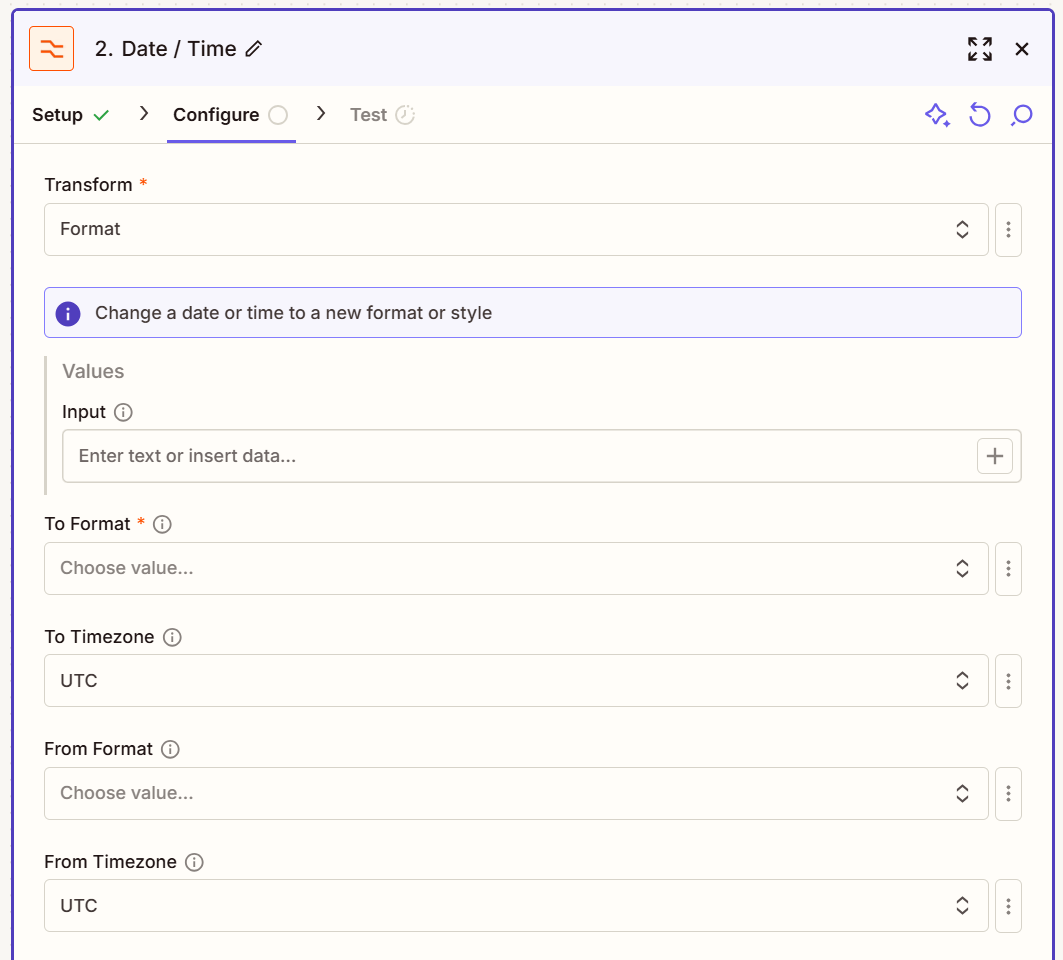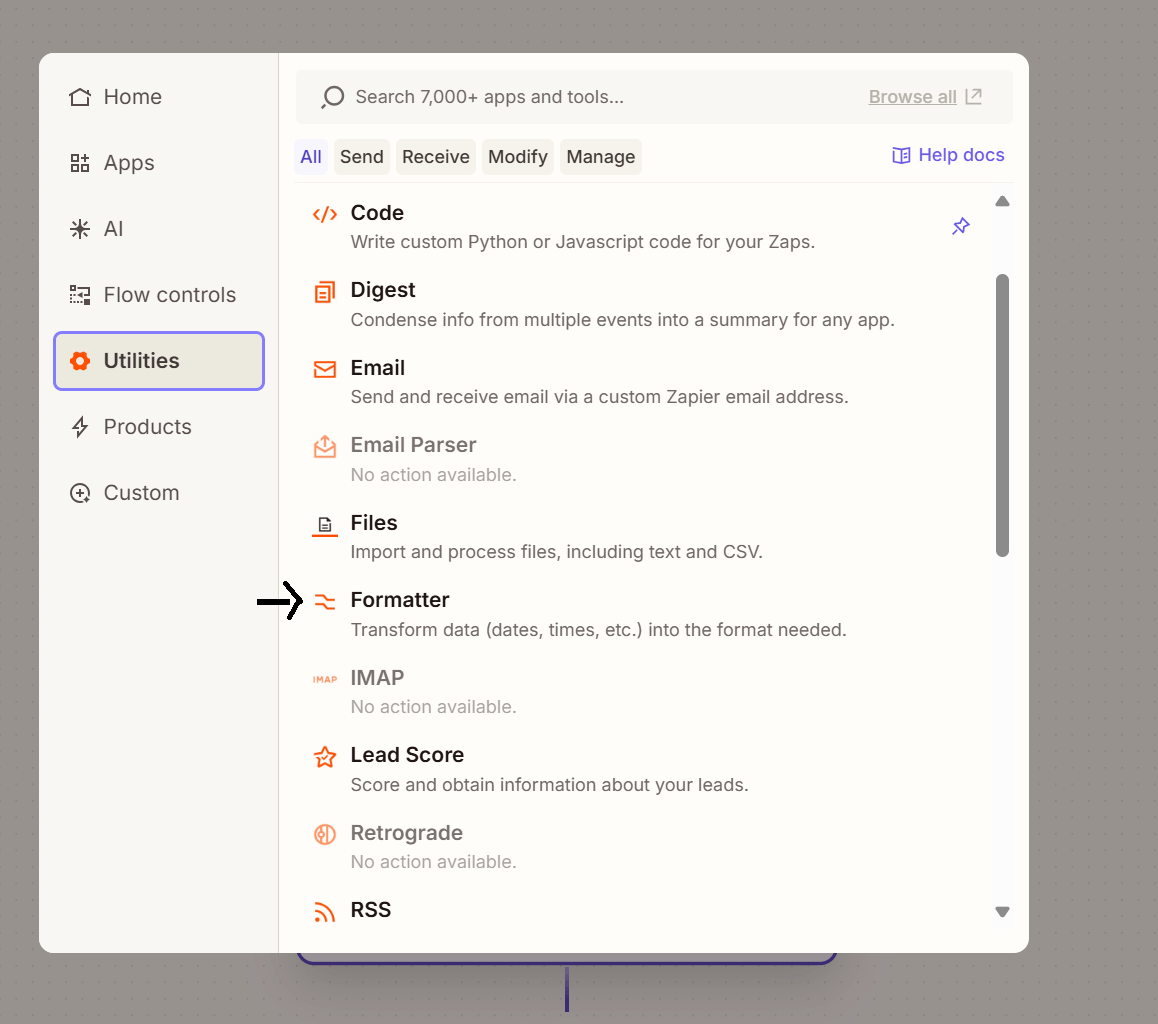
Select formatter
A formatter can, for example, convert an appointment start date value from the default format into an American-style date such as ‘06/19/2019’.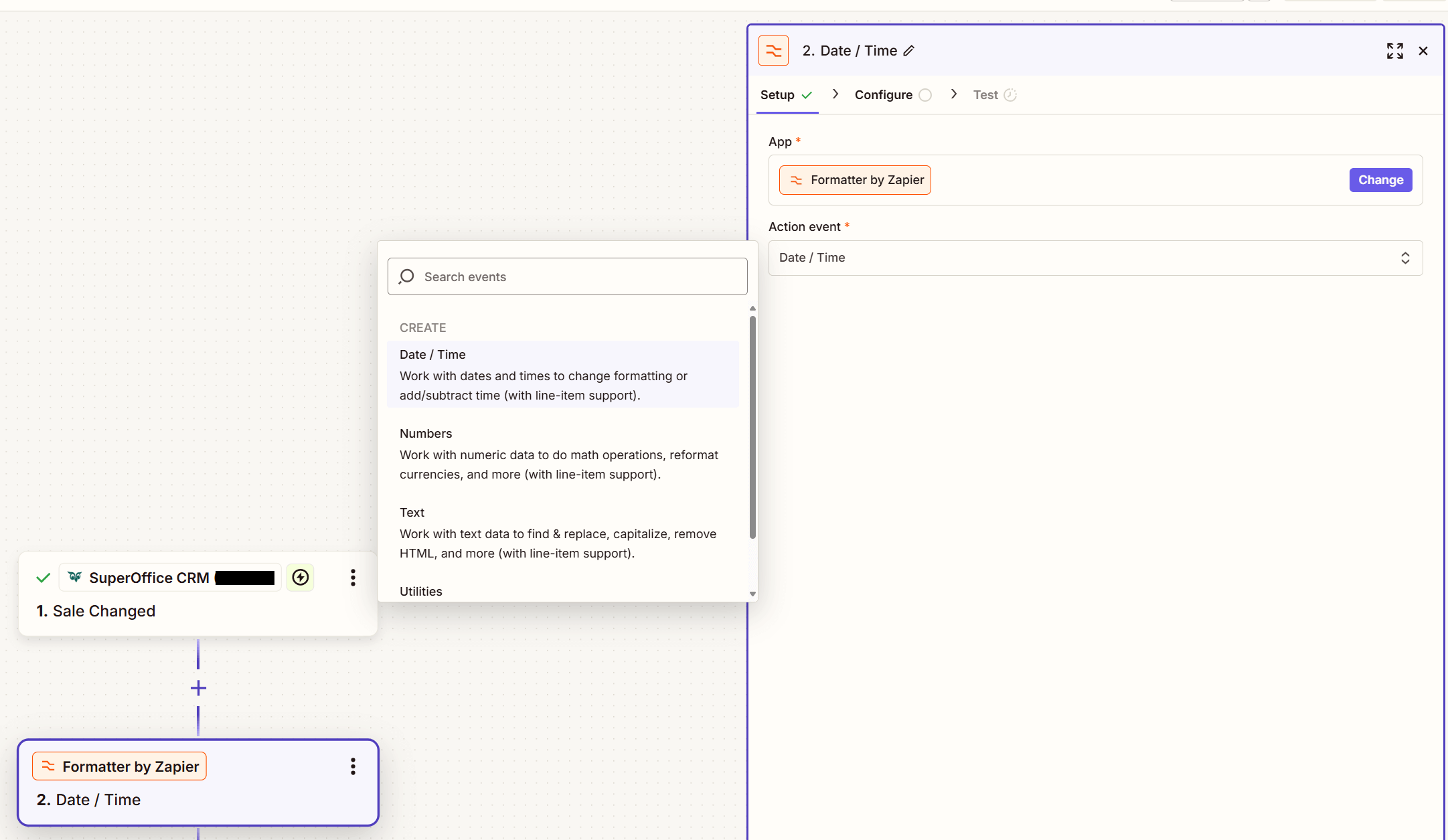
Adjust value
The Formatter in Zapier provides three transformation options for handling date and time values: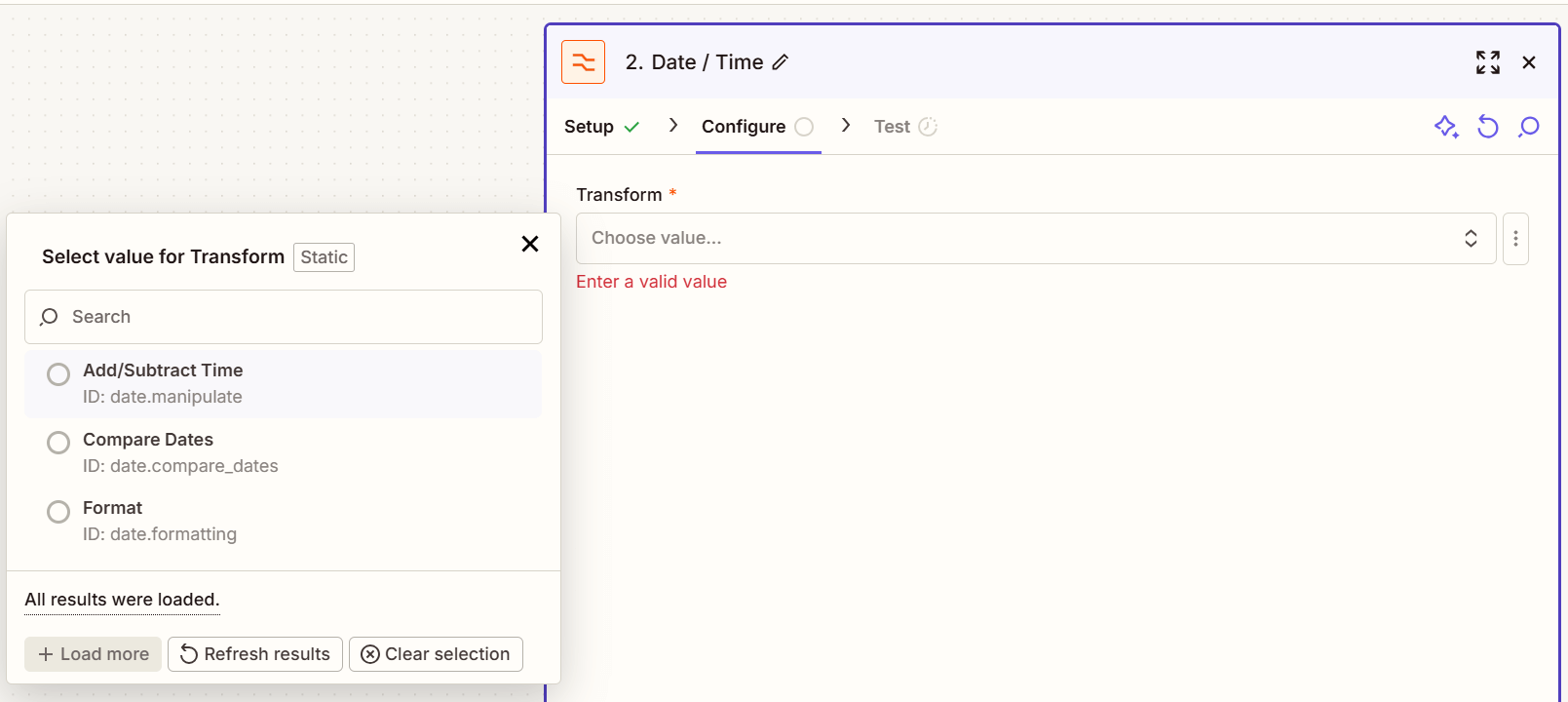
-
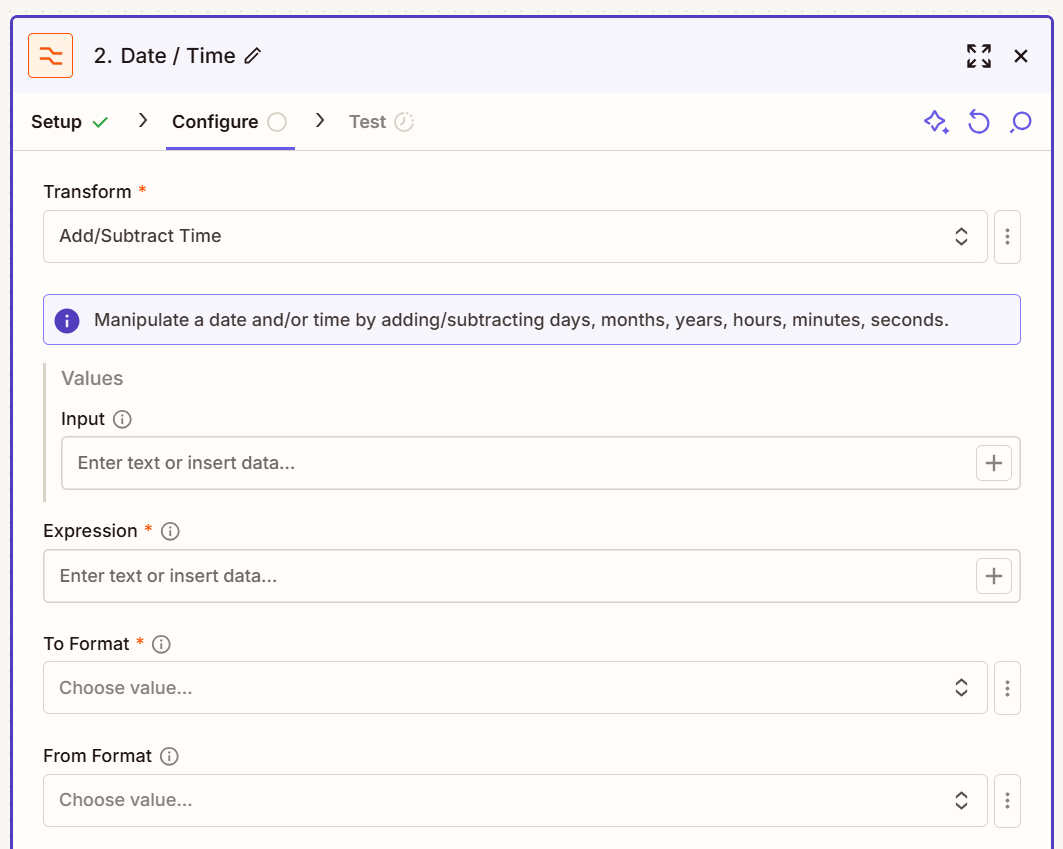
Add/Subtract Time - Manipulates a date or time value by adding or subtracting days, months, years, hours, minutes, or seconds.
-
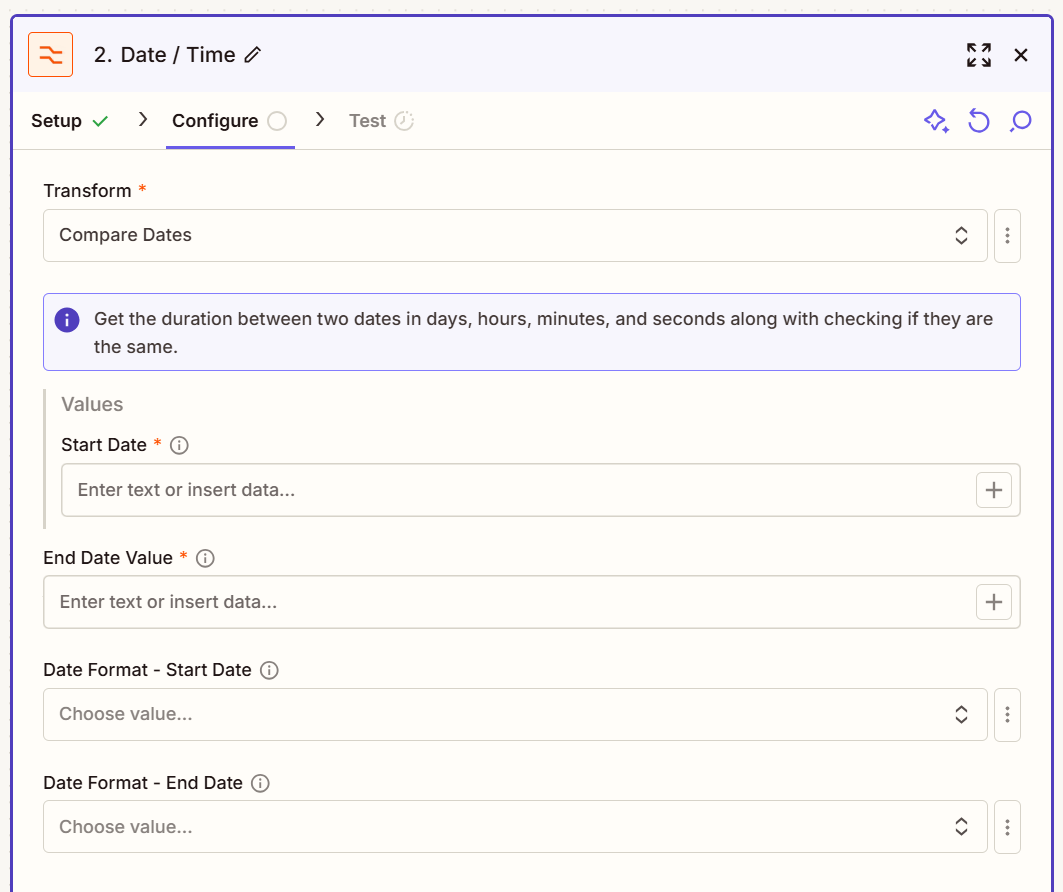
Compare Dates - Calculates the duration between two dates in days, hours, minutes, and seconds, and determines whether the dates are identical.
-
Format - Converts a date or time value into a different format or style.