Forms - Watermark with Powered by SuperOffice
On a form, there is a Powered by SuperOffice watermark in the top right corner. This is information that the form has been created by and used with SuperOffice CRM.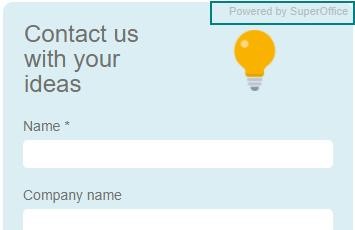
Forms - Specify default category and business
When creating a new contact and/or company based on the form fields, you can set up the default category and business on the tab for Actions.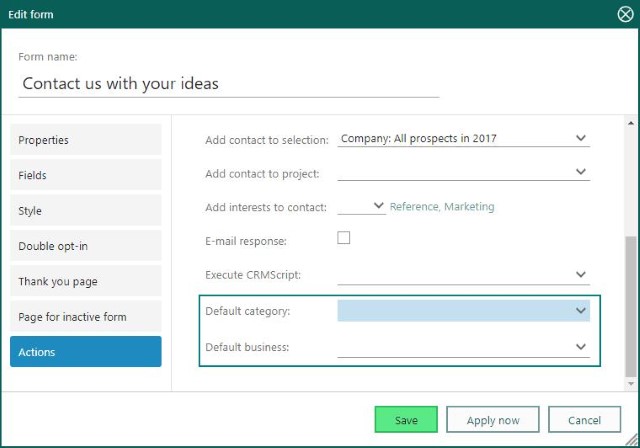 With this option, you can group the form submissions and new contacts to one specific category and/or business. For example, if you have a form for prospects, you select prospects as your category.
You can then easily create selections based on this category and/or business.
With this option, you can group the form submissions and new contacts to one specific category and/or business. For example, if you have a form for prospects, you select prospects as your category.
You can then easily create selections based on this category and/or business.
Forms - Added request are set with Origin = Form
When setting up a form, you can choose that a request is automatically made when the form is filled out and submitted. The request will have a default setting of Origin = Form as the source. This will make it easier to set up rules in Service for which category or list it will appear in.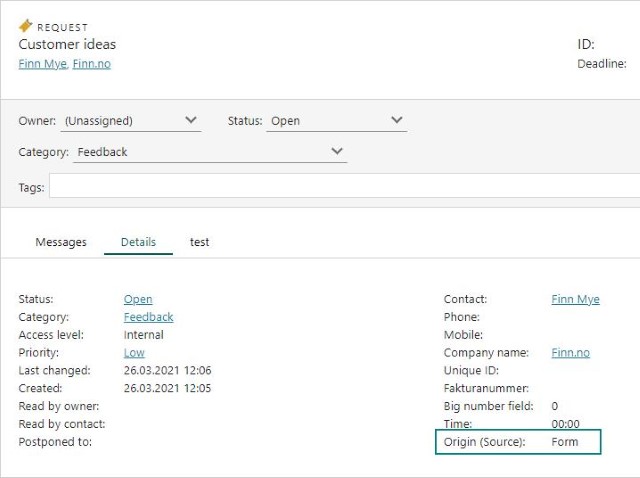 Once the source is set, it’s easier to group the requests and also get statistics on the number of requests generated (forms filled in) for different forms.
Forms - The form submission shows icons instead of numbers
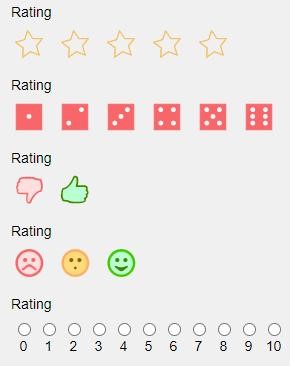
When using the different rating fields, you get icons to click.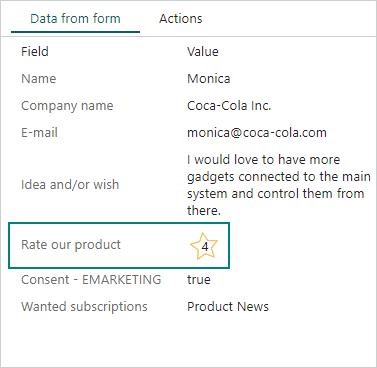 On the form submission, you will also see the icon with the rating, so it’s easier to understand what type of rating it is:
- Stars
- Dice
- Thumbs
- Smiley
- NPS