

Diary navigator with Today & This week button
In the navigator for Diary, the month overview has both Today and This week buttons, making it easier to choose the view you would like directly in Diary.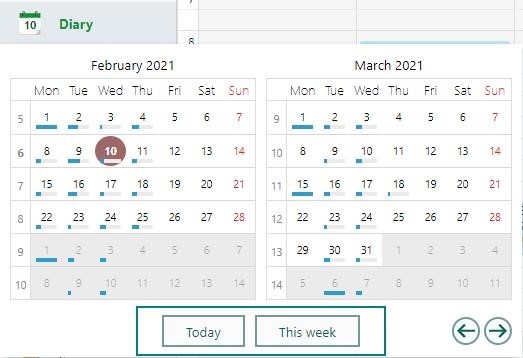
Diary with Today or This week button
When you have navigated too far from this week or today, it’s easy to click on the buttons Today and This week to get back to the tasks.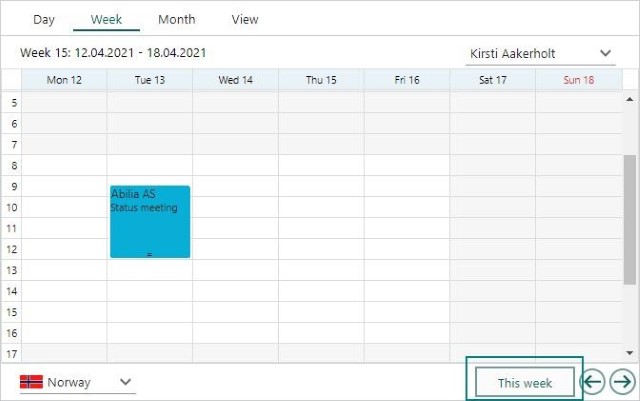
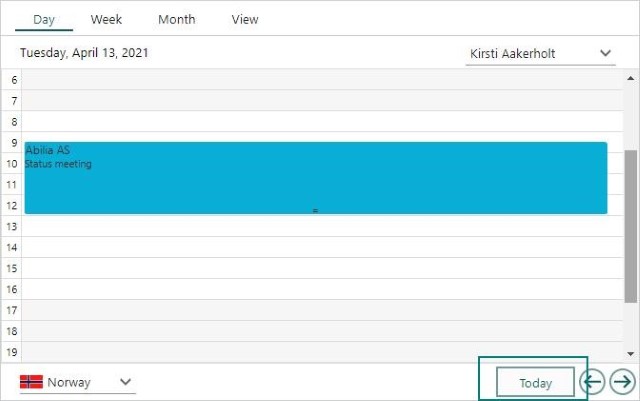
Side panel month and day view with Today / This week button
On the side panel Month and Day views, you have buttons that take you back to the current day or week in your Diary.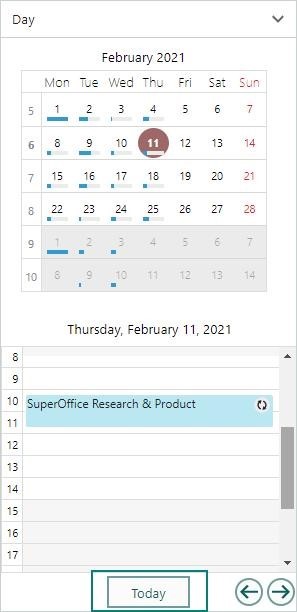
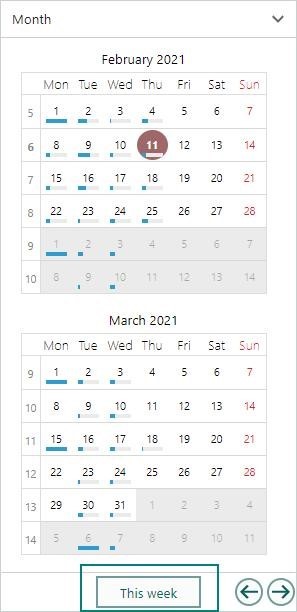
- Month card -> This week
- Day card -> Today
Side panel company view with projects section
The Company side panel gives valuable information on the status of the company you are looking at. Select Company or Preview in the drop-down menu and select the company you want to look at.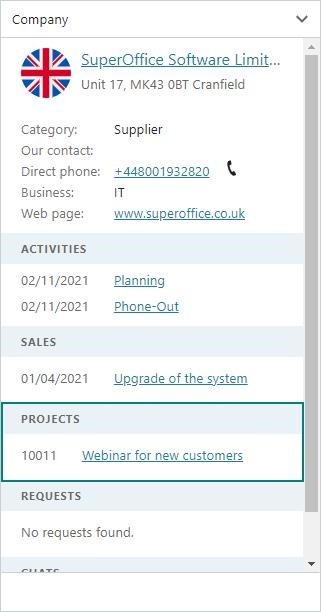 The Project section gives you an overview of all the projects that contacts in the company are members of.
Task button show Web panels on main cards
From the Task button in the main display window, you have an option to add the visibility of web panels in different places.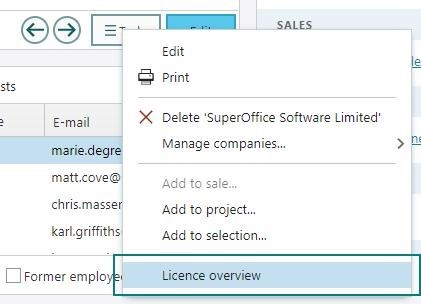 These are the different places you can add and view web panels from:
- Company card: Done
- Person card
- Sale card
- Project card
- Appointment dialog
- Document dialog
- Quote dialog