

Diary - Join meeting with right-click
If you have a video meeting starting and your Diary is open (any view/tab), open the context menu (right-click menu) for the appointment and select Join meeting.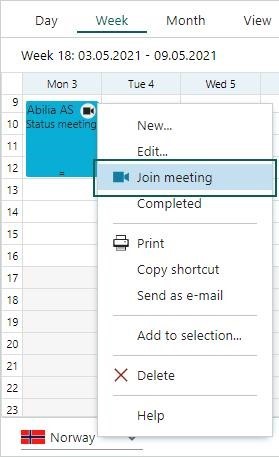
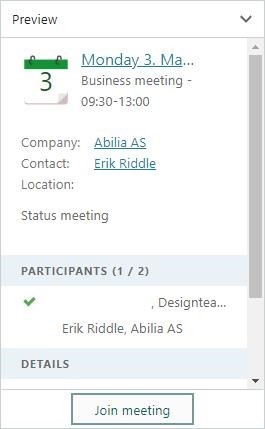 Just 2 clicks and you are in your video meeting.