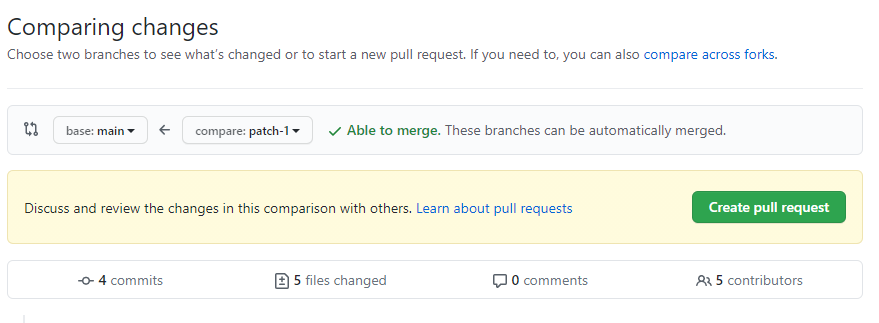
SuperOfficeDocs on GitHub
GitHub is a web-based hosting service for version control using Git. If you’re not familiar with Git and/or GitHub, no worries! Having our documentation center on GitHub brings many benefits to our community as we can now build SuperOffice documentation in the open, together, as a community. If you see areas for improvement or gaps in the documentation, you can easily update and/or fill those gaps. SuperOffice Docs will be a living and breathing, community-generated, collection of awesome learning materials moving forward. SuperOffice Docs are located on GitHub at https://github.com/SuperOfficeDocs.How SuperOfficeDocs are generated
The SuperOffice Docs system uses Mintlify, Markdown, and GitHub to ultimately output a statically generated site, which is currently located at docs.superoffice.com. You don’t have to understand the components that are used to generate the docs to contribute.Authoring and editing content in SuperOfficeDocs
There are 2 primary ways to contribute to the documentation on this website. SuperOffice Docs can be updated in the browser in GitHub and also locally on one’s machine. The latter is only necessary if you’re making complex edits and maybe are more technical.Editing in GitHub
If you are just updating text, typos, or adding a few sentences it may be easiest to edit the content directly from GitHub’s browser.If you are working on an existing issue, self-assign. Otherwise, first, please create a new issue. Reference the issue ID in both the branch name, commit messages, and pull request.
- Find the file you want to edit in the docs repo.
-
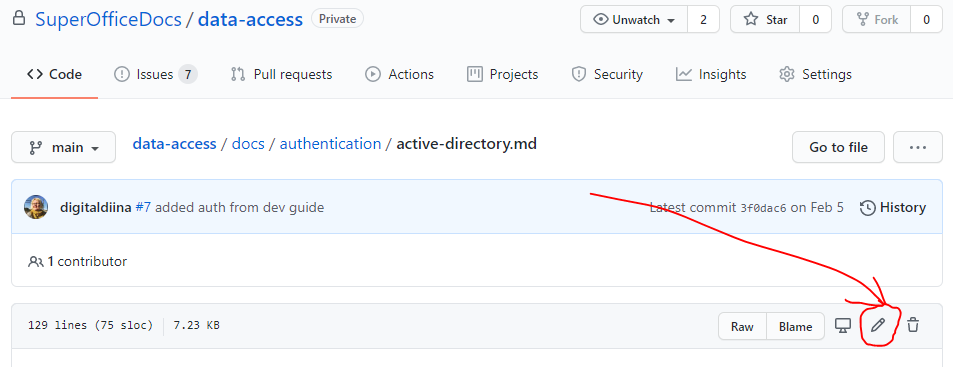
Click the Edit button.
-
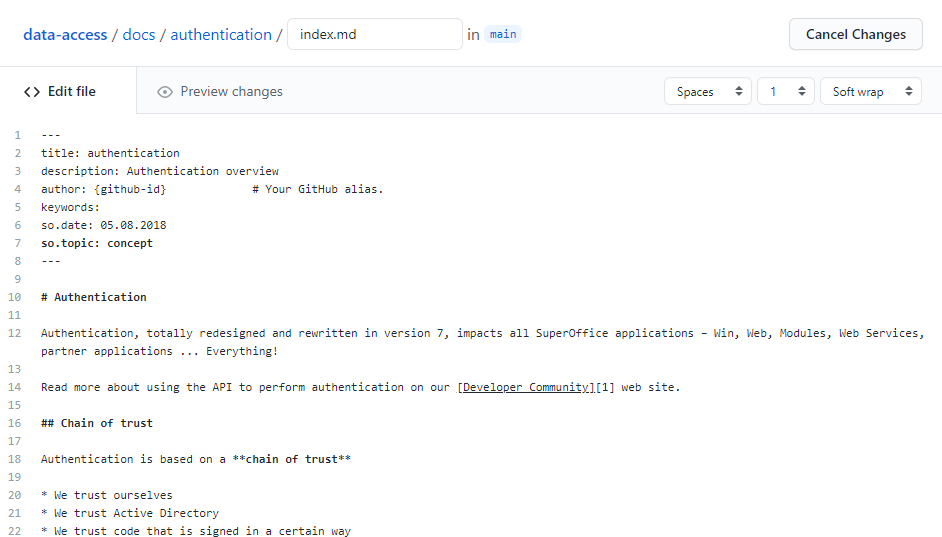
Edit the markdown as needed, opt to “Create a New Branch”.
-
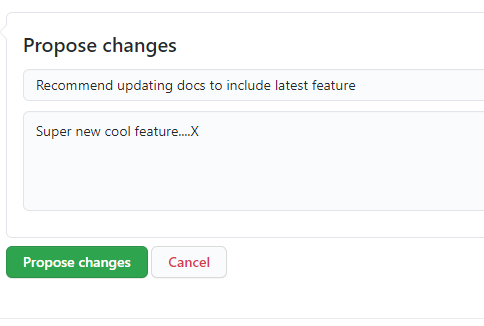
Propose the changes.
-
Update the title to include the issue #ID and submit the pull request.