

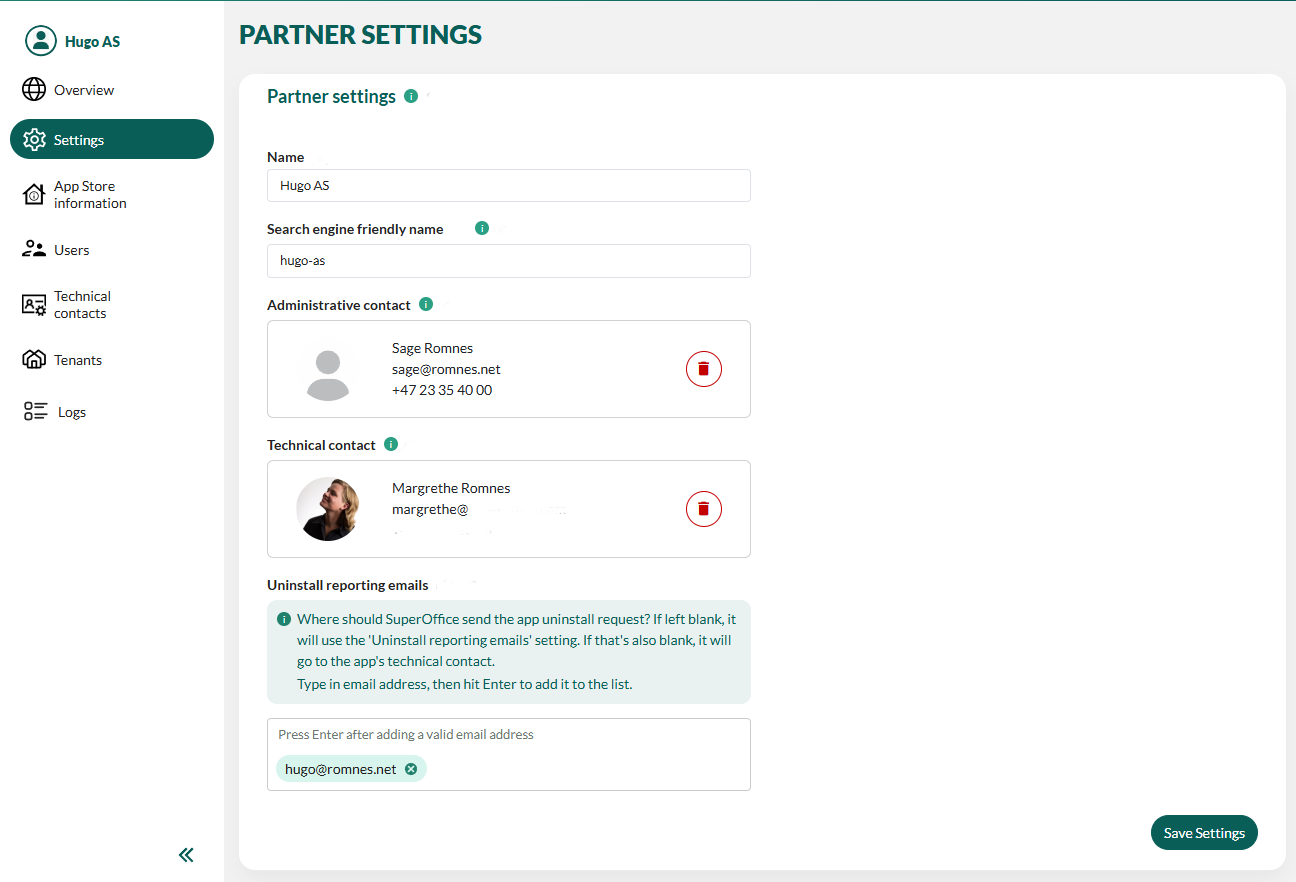
These steps apply to the partner settings. To update the technical contact for a specific application, update the application settings. Alternatively, review and update all your technical contacts.
- In the Developer Portal, go to your partner page.
- Select Settings from the left menu or click the Edit button.
- Click Clear on the contact you wish to update.
-
Add a new technical or administrative contact.
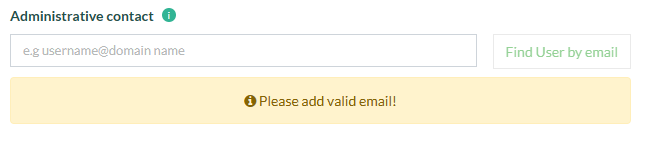 Only users from the existing partner’s user collection can be added as administrative or technical contacts.
 - Click Save Settings.