

- Sign in to the Developer Portal and go to your application page.
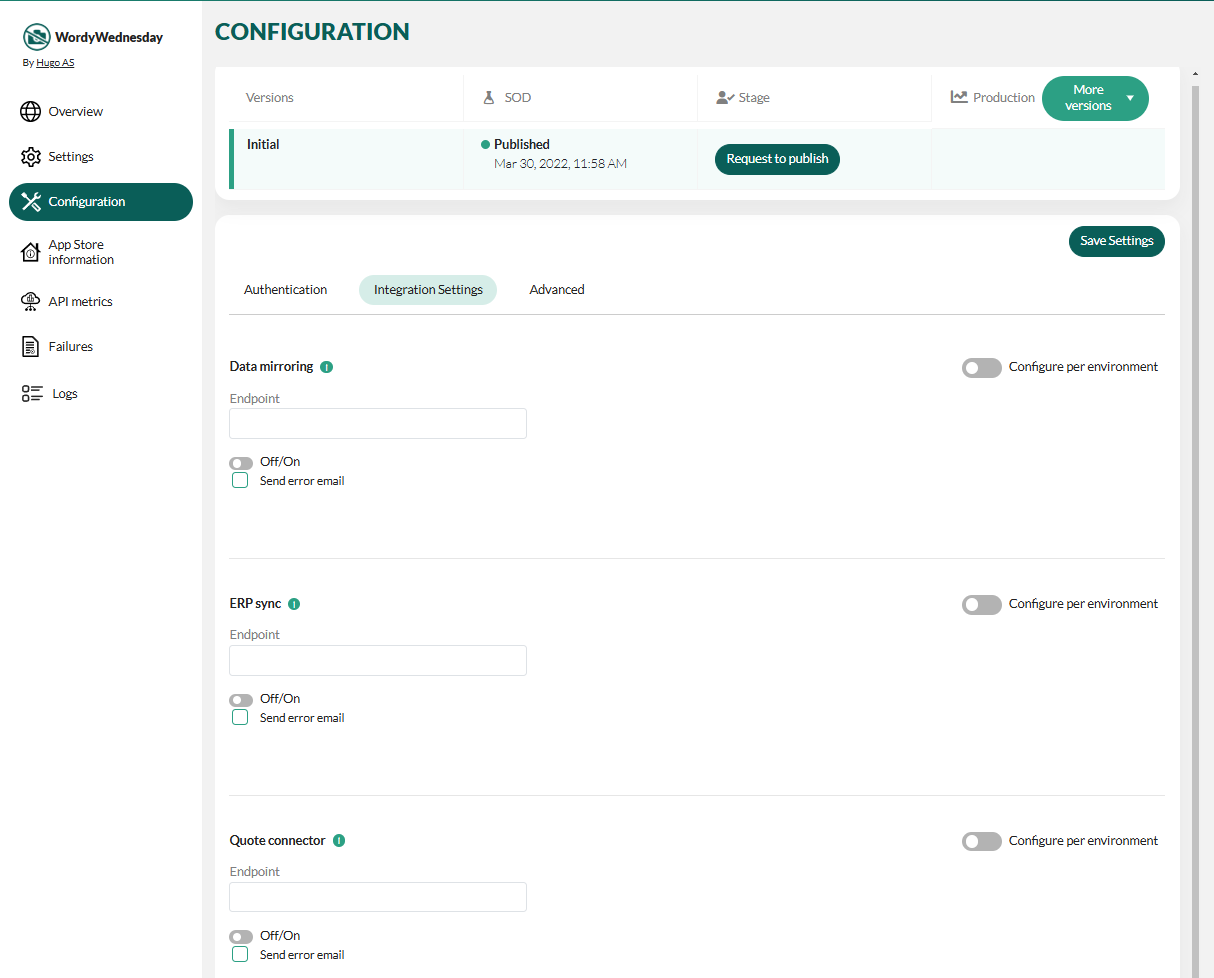
- Select Configuration from the left menu, create a new version, and publish it to SOD.
-
Select the Integration settings tab.
-
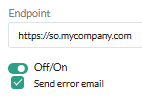
In the Data mirroring section, turn off the toggle below the Endpoint field and save the settings.
- Request to publish the configuration
How to turn off database mirroring
How to turn off database mirroring for a running custom mirror app