

How to
-
In the Developer Portal, go to your app page.
To see the list of all apps:
- Select Apps from the top menu to see all apps across every partner you have access to, or
- Go to the Applications section of your partner page to see that partner’s apps.
- Select Configuration.
-
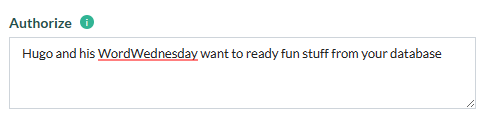
. On the Authentication tab, scroll down and update the text in the Authorize box.
- Click Save Settings.
- Request to publish the new configuration.