

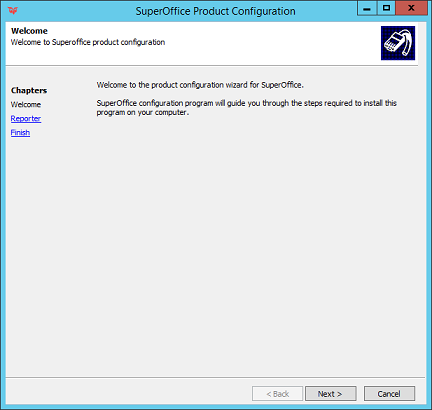
 The impersonate user can either be:
- a domain user with read/write access to the document archive and rights to log on to the web server or
- a local user on both the web server and the archive server with the same user name and password, and with read/write access to the document archive.
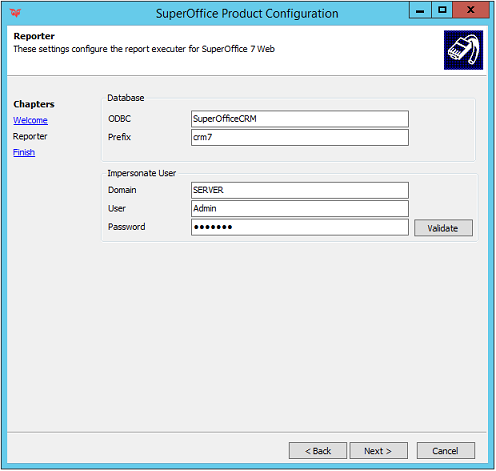
- Add an ODBC data source and type the name in the ODBC field.
- Enter the table prefix of the database.
- In the Domain field, specify the name of the domain if a domain user has been specified, or the name of the local computer Web is installed on if you have specified a local user.
-
The User and Password fields should contain the user name and password for the user being impersonated
- Click the Validate button to verify that you have entered the password correctly.
-
In the SuperOffice Product Configuration Complete dialog, you get a summary of the installation settings you have selected.
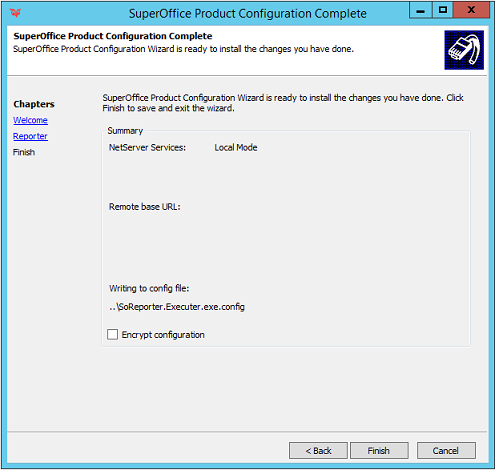
- You may click Back to go back and make any necessary changes.
- When you are done, click Finish.