

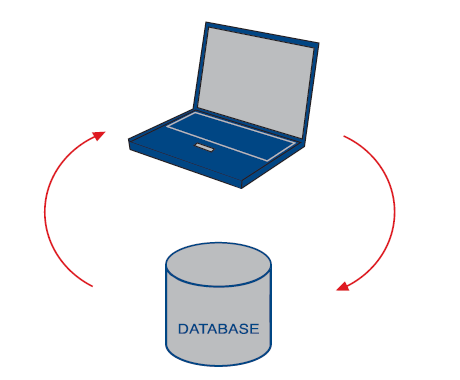
 When you have used the Travel version and made changes in the local database, you can update the main database so that these changes become available to other users.
To be able to use Travel you need to prepare the database and set up the client.
Remote travel has two features to make it even simpler for remote travel users to get the information they need:
When you have used the Travel version and made changes in the local database, you can update the main database so that these changes become available to other users.
To be able to use Travel you need to prepare the database and set up the client.
Remote travel has two features to make it even simpler for remote travel users to get the information they need:
- SuperOffice Remote Travel
- SuperOffice Remote Travel Server (SORTS)
Before you may use travel, an administrator must activate it and assign rights to your user and create a Travel prototype.
Database types
There are 3 different types of databases that may be used as a travel database:- Built-in database
- SQL Express
- Sybase SQL Anywhere 12
Built-in database
If you choose the built-in database then we set it all up for you automatically. Sybase 12 is used as the built-in Travel database.SQL Express
To use MS SQL Express you must first download and install MS SQL Express from www.microsoft.com.The version installed on the computer generating the prototype must be compatible with the version the travel users are running locally.
Name = SOTravel and Servername = .\SQLExpress
Add Local_datapath=ODBC:SOTravel to the SuperOffice.ini file in c:\program files\SuperOffice\SuperOffice windows.
If you have any problems going on Travel after the prototype is generated, make sure you start SOCRM.exe once elevated (as administrator) and do the local update. This is to make sure SuperOffice has sufficient rights to make the changes needed to use SQL Express.