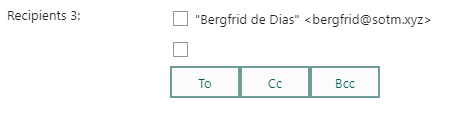
HtmlElement recipients = addHtmlElement(getScreenElementId(screenElementIndex),
  getScreenElementName(screenElementIndex),
  getScreenElementType(screenElementIndex),
  "ticketId = " + getCgiVariable("ticketId") + "\nlabel = Recipients\nnoDefaultFields = true\n");

Map colMap;

colMap.insert("displayField", "person.firstname");
colMap.insert("searchField", "person.firstname");
colMap.insert("operator", "OperatorBeginsWith");
colMap.insert("label", "Firstname");
recipients.setFieldValue("addColumn", colMap);

colMap.clear();
colMap.insert("displayField", "person.lastname");
colMap.insert("searchField", "person.lastname");
colMap.insert("operator", "OperatorBeginsWith");
colMap.insert("label", "Lastname");
recipients.setFieldValue("addColumn", colMap);
colMap.clear();

colMap.insert("displayField", "Email.email_address");
colMap.insert("searchField", "Email.email_address");
colMap.insert("operator", "OperatorBeginsWith");
colMap.insert("label", "Email");
recipients.setFieldValue("addColumn", colMap);
colMap.clear();

colMap.insert("displayField", "phone.phone");
colMap.insert("searchField", "phone.phone");
colMap.insert("operator", "OperatorBeginsWith");
colMap.insert("label", "Phone");
recipients.setFieldValue("addColumn", colMap)