Before you start
- A SuperOffice administrator authorizes Teams Notify. A Microsoft 365 administrator later approves the permissions when connecting to Microsoft Teams.
- Teams Notify is available for SuperOffice CRM Online only. It doesn’t require a specific plan.
Authorize Teams Notify
- Go to the Teams Notify portal at msteams.superofficeapps.com and sign in.
-
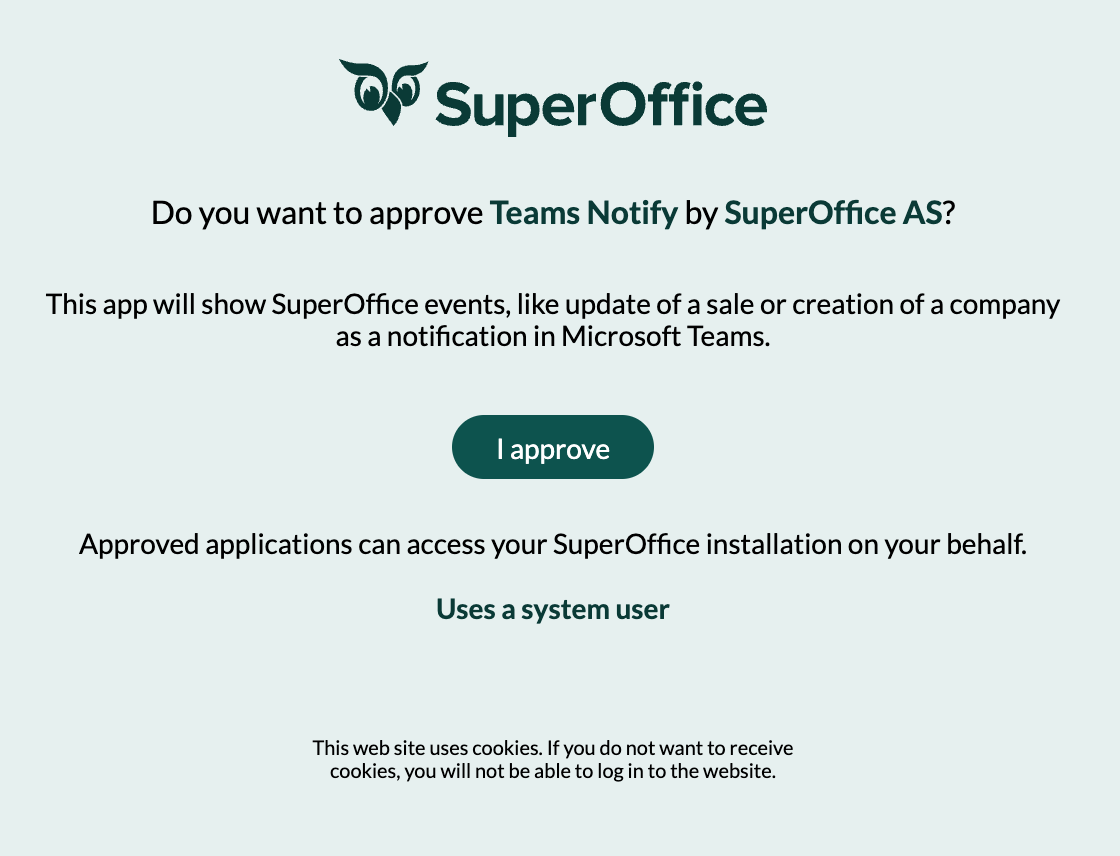
Give the app consent to access SuperOffice data by clicking I approve.
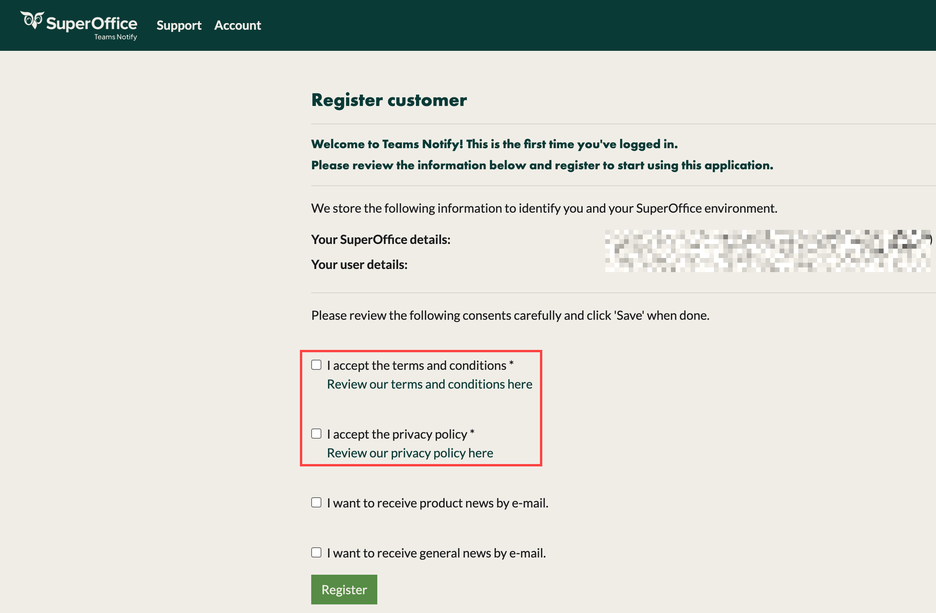
- Accept the Terms and Conditions and the Privacy Policy.
-
Click Register.