

How to use Teams Notify
See SuperOffice events as messages in a Microsoft Teams channel.
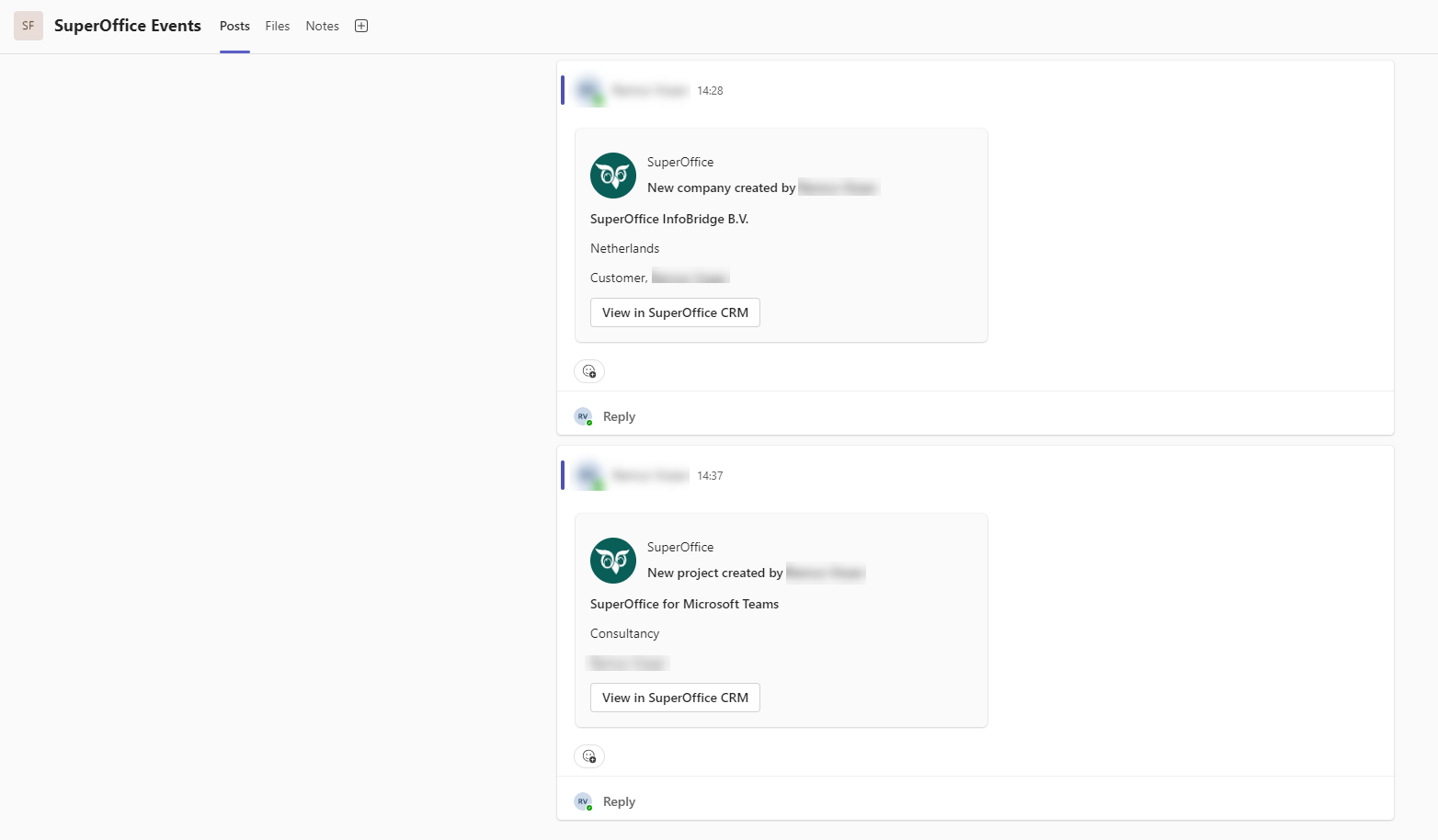
With Teams Notify, SuperOffice events are visible as a message in the configured Microsoft Teams channel.
The Teams Notify administrator configures which events show up in which channel.
To receive the messages, you must be added as a member of the Microsoft Teams channel that receives the event notifications. When one of the selected events occurs in SuperOffice, you receive a message in Microsoft Teams.