

To create Zaps, you must connect a SuperOffice CRM account that has General Administrator user rights.
Steps
- Open the Zapier dashboard.
-
Select Connect an Account.
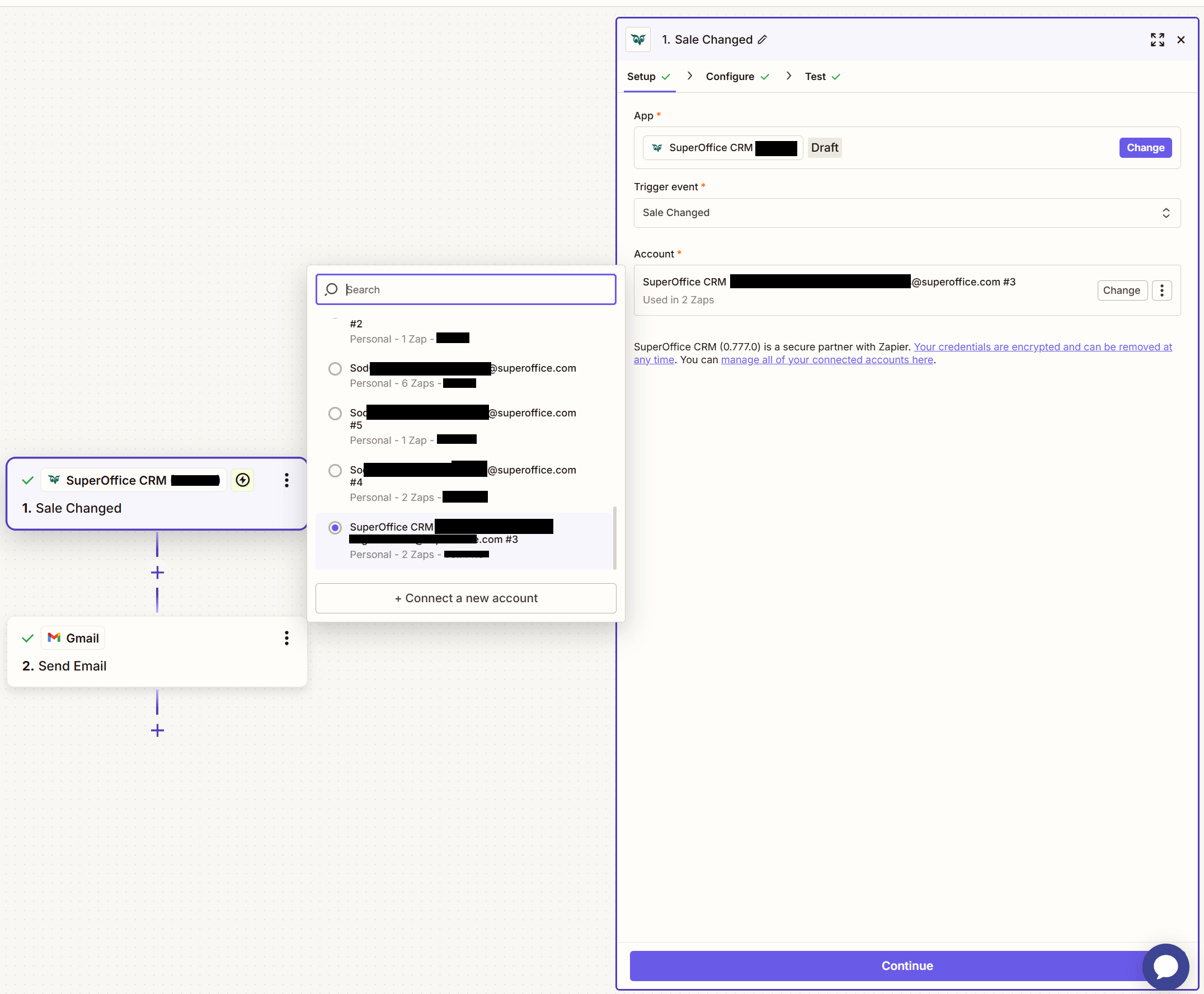
- Choose the SuperOffice tenant to connect.
-
If logged in to a SuperOffice account, the process will continue through single sign-on (SSO).
-
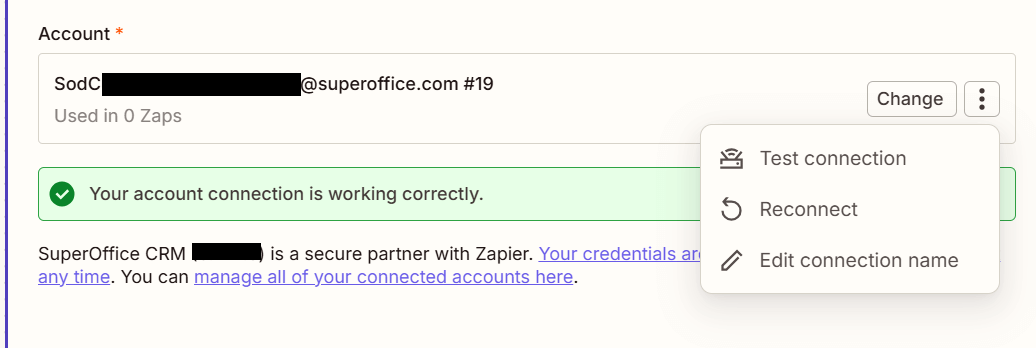
Verify that the connection is successful by selecting Test.
- Select Save + Continue to proceed.