Chat - Allow file upload in chat for the customer
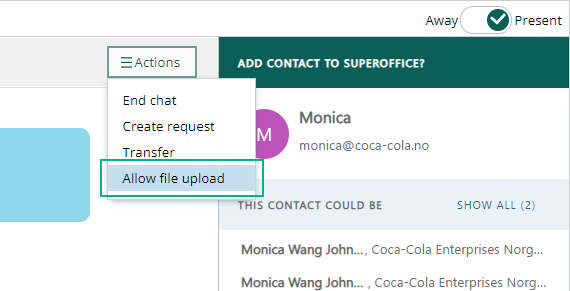
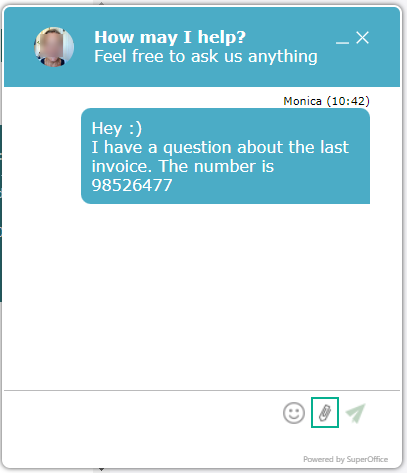
When you, as an agent, chat with a customer, you can upload any file you like. The customer on the other hand, might not be trustworthy, and you do not want any file uploaded from them. But sometimes you do trust your customer and they want to upload some files to you. On each chat session, the chat agent can select Action and Allow file upload. When doing that, the customer will get a file upload button in their chat window and can upload the wanted file to the chat agent. The files uploaded in the chat, either from the agent or from the customer, will be shown as a link in the chat session after it’s ended, so also available if the chat agent has to send the information to a different user.