Mailing - Document mailing with language
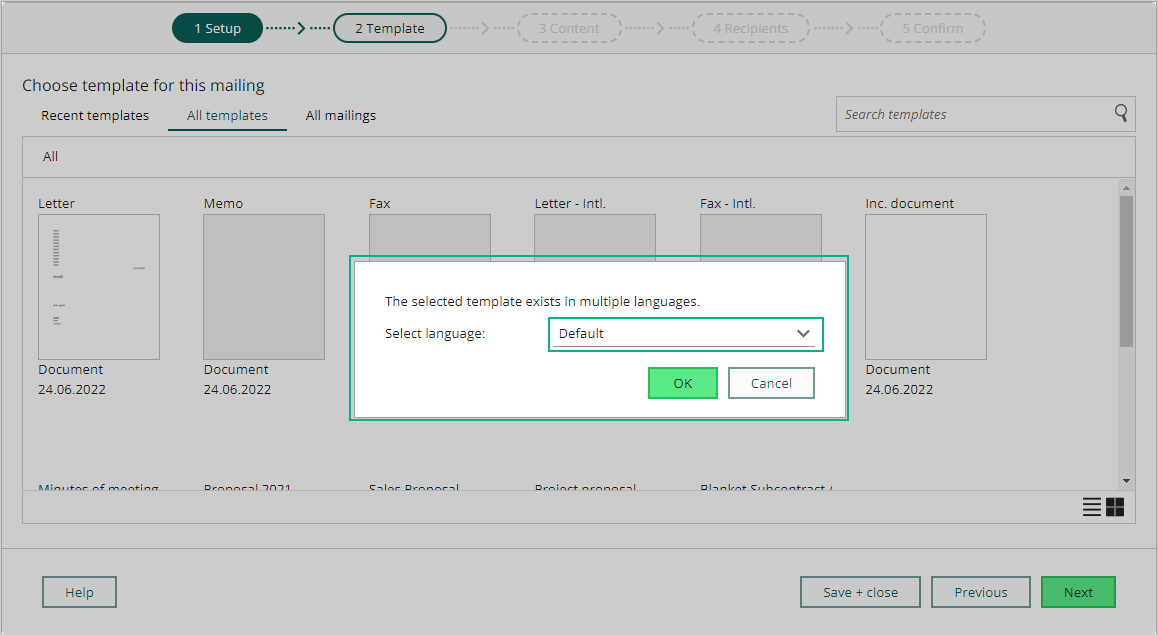
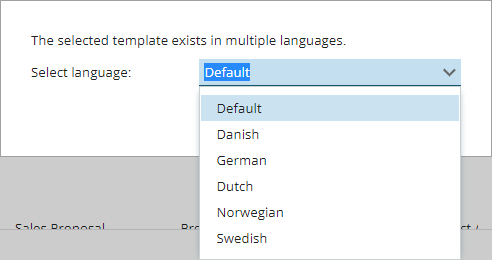
When you create a Document mailing, you use the different templates in your system. If that template is in multiple languages, you get an option in step 2 to select the wanted template language for the mailing. The dialog shows the drop down of all the language the template is stored with, just choose the wanted one, and continue to edit the document mailing.