Time zones and Daylight Saving Time
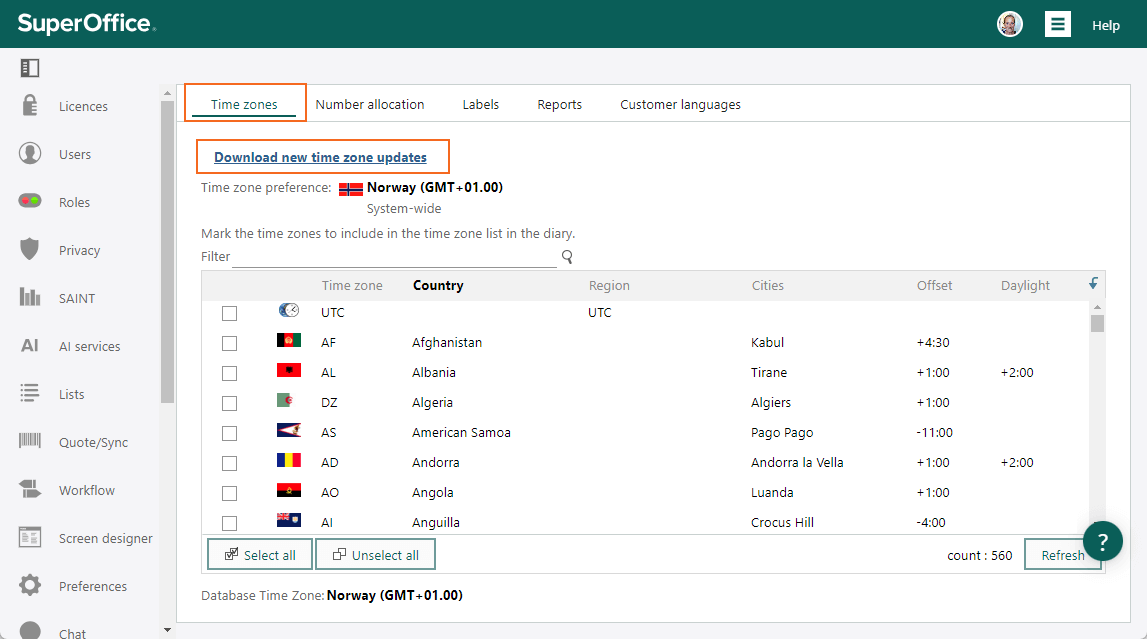
New updates to the list of time zones and Daylight Saving Time are available. To get the latest values:- Go to Settings and maintenance and select Options in the navigator.
- Select the Time zones tab.
- Click the Download new time zone updates link. The system will be updated in no time. You are good to continue using time zones and the change for Daylight Saving Time is updated.