

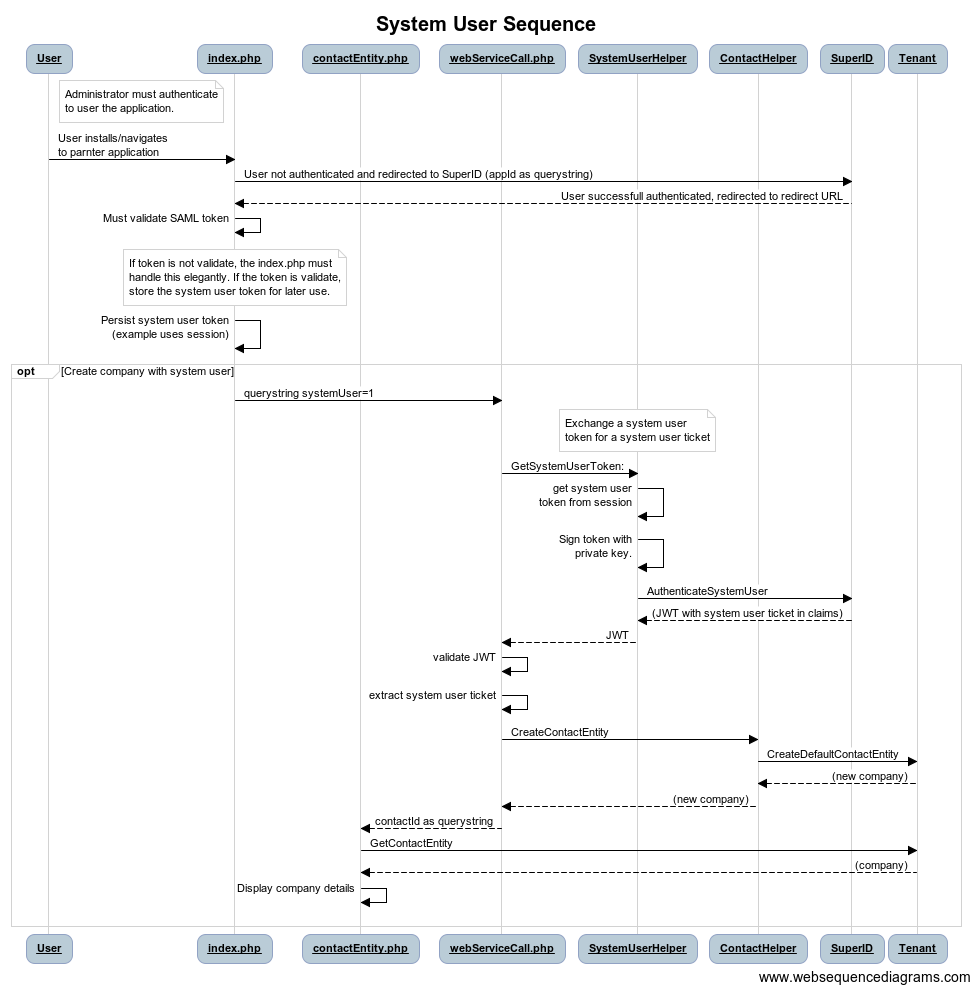
 The list of Company fields comes from the connector’s
 GetAvailableActorFields method.
The connector will not be asked to store information about the field configuration done in SuperOffice. It will however be required to supply a list of fields, and to recognize its own field keys when actors are requested or received for retrieval and saving.
Sequence diagram
The diagram details the process of retrieving available actor types, available fields for a given actor type, and then configuring each ERP field.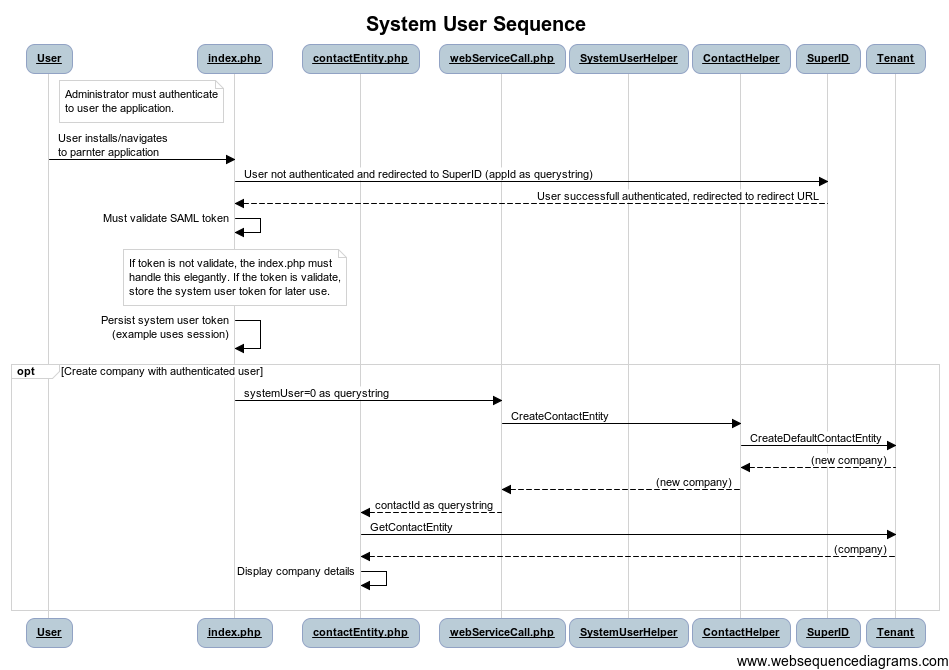 The
The GetSupportedActorTypes method was called when the connection is saved. The list of supported actor types determines which tabs show up in the field configuration dialog. The types must be a subset of a predefined list of types (customer/supplier, person, project), meaning the connector can’t define its own actor types.
For each supported actor type, SuperOffice will call GetSupportedActorTypeFields and GetSearchableFields.
Supported actor type fields
Searchable fields
Some of the ERP fields may be searchable - these are specified here. This lets SuperOffice know that it can use these fields in the Advanced Search dialog.[0] = "NAME", [1] = "NUMBER1", [2] = "SUPPLIERLIMIT"
This tells SuperOffice that field searches can be done on NAME, NUMBER1, and SUPPLIERLIMIT fields in the ERP system. This will happen through the SearchActorsAdvanced method.