

This feature requires a license for Development Tools or the CRM Suite Core plan.
- Category
- Company
- Contact
- FAQ category and entry
- Message
- Request
- User
- Your custom tables
Extra fields on company or contact are not the same as user-defined fields on those entities!
Field types
- Bool (yes/no)
- Integer
- Float
- Text (short)
- Text (long)
- Date
- Date and time
- Time
- Timespan
- Attachment
- Dynamic link
URLs in text fields
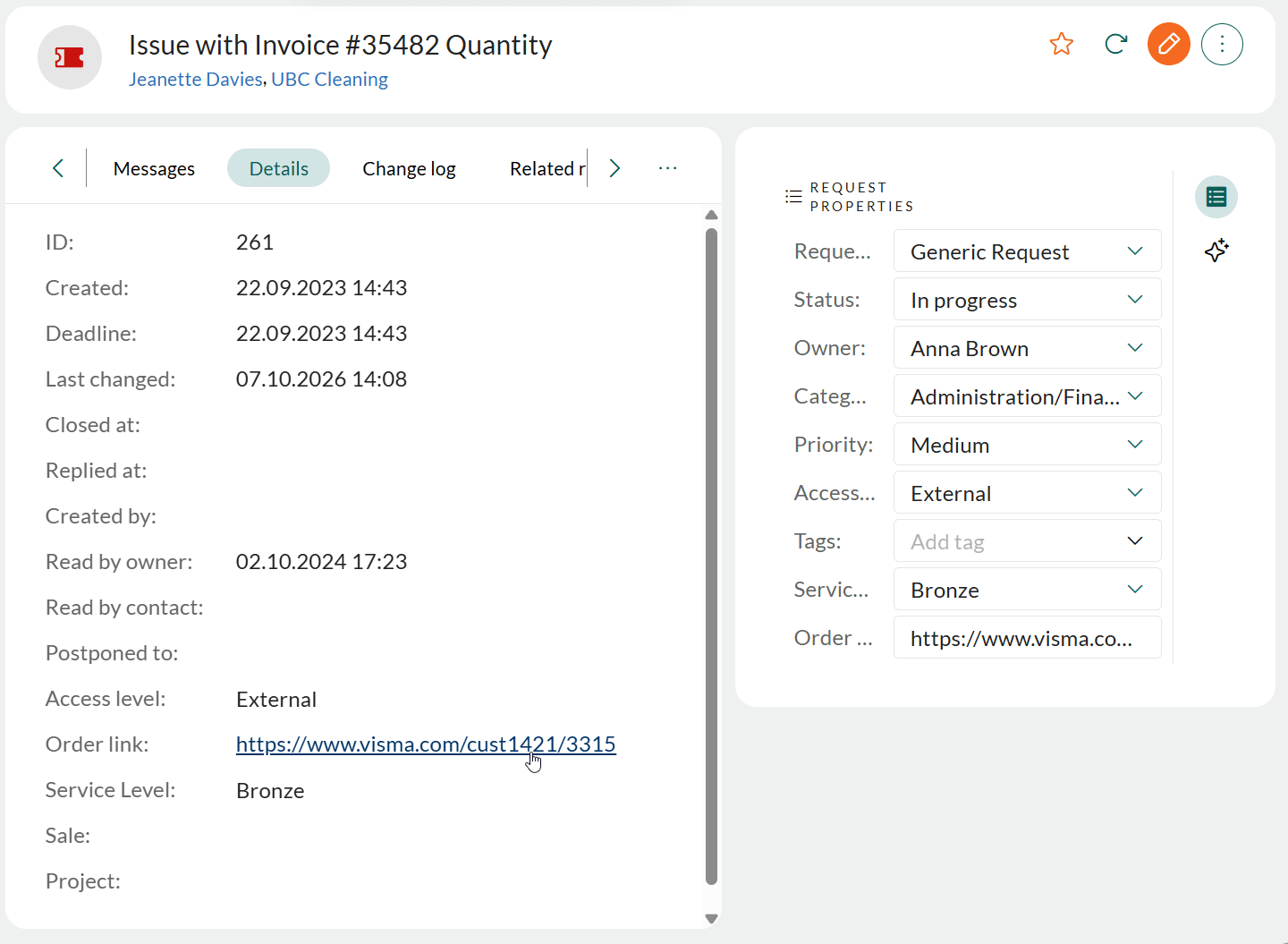
URLs stored in Short text and Long text extra fields are displayed as clickable links in read mode. The link opens in a new tab. In edit mode, the field is a normal text field. This is useful when each record has its own URL, such as an order or case in another system. The link function in the Screen Designer only covers a fixed URL plus a variable. To use a URL as a link:- The extra field must be a Short text or Long text field on requests, messages, or custom object cards.
- The extra field must be created in System design. The user-defined fields on Company, Contact, Project, and Sale cannot be used for links.
- The URL must start with
www.orhttp(s)://.
https://erp.example.com/orders/48213 opens that order in your ERP system.
Relations (foreign keys)
Database tables are connected with foreign keys (FK). These are the field types ending in relation.- Contact relation
- Company relation
- User relation
- Request relation
- Category relation
- Priority relation
- FAQ relation
- Sale relation
- Project relation
- Appointment relation
- Extra table relation
Available in pilot from version 10.3.4
When a relational field is set to display one-to-many relations, the system automatically adds a section tab in related standard entities. This is not the same as the Relations tab in the Company and Contact screens.
Available in pilot from version 10.3.7
To view the details of items in this list, without having to open each individual entity:- Go to the side panel and select the Preview view.
-
Click an item in the relation-based section tab. The side panel displays a preview of the selected entity. In the preview, you can:
- Click a standard entity to go to go to it.
- Click a custom objet to open a dialog for viewing or editing additional information.
