

At a glance
The app page shows application usage for one specific application.-
In the Developer Portal, go to your app page.
To see the list of all apps:
- Select Apps from the top menu to see all apps across every partner you have access to, or
- Go to the Applications section of your partner page to see that partner’s apps.
- Select API metrics, then select API Usage tab.
- Select a time range interval (days, weeks, or months).
- Click through the environment specific buttons.
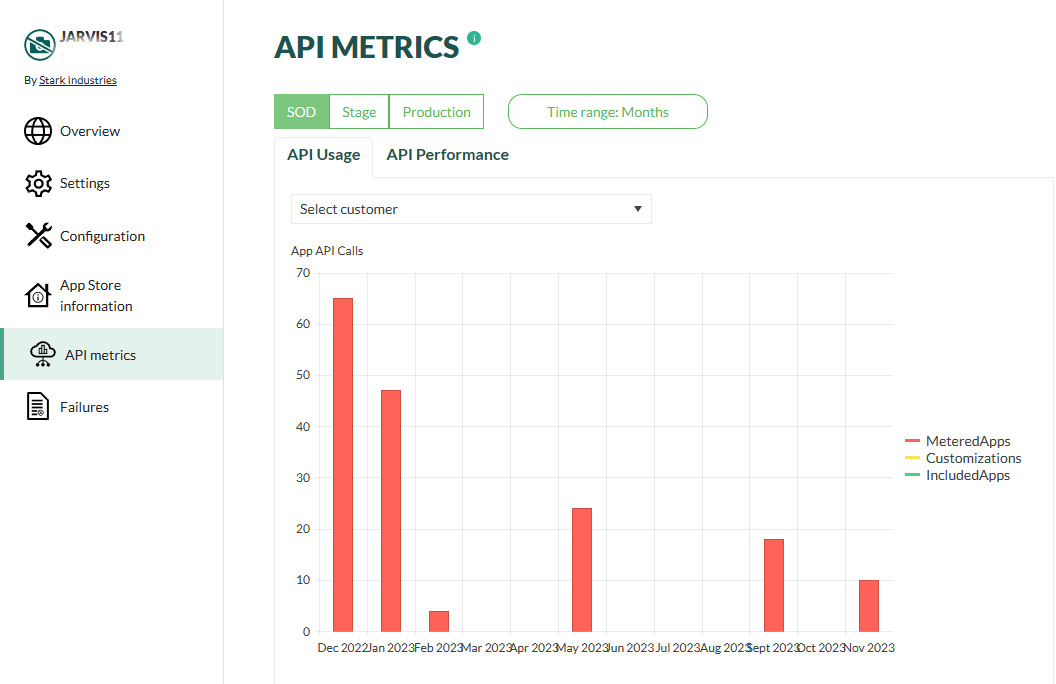
Legend
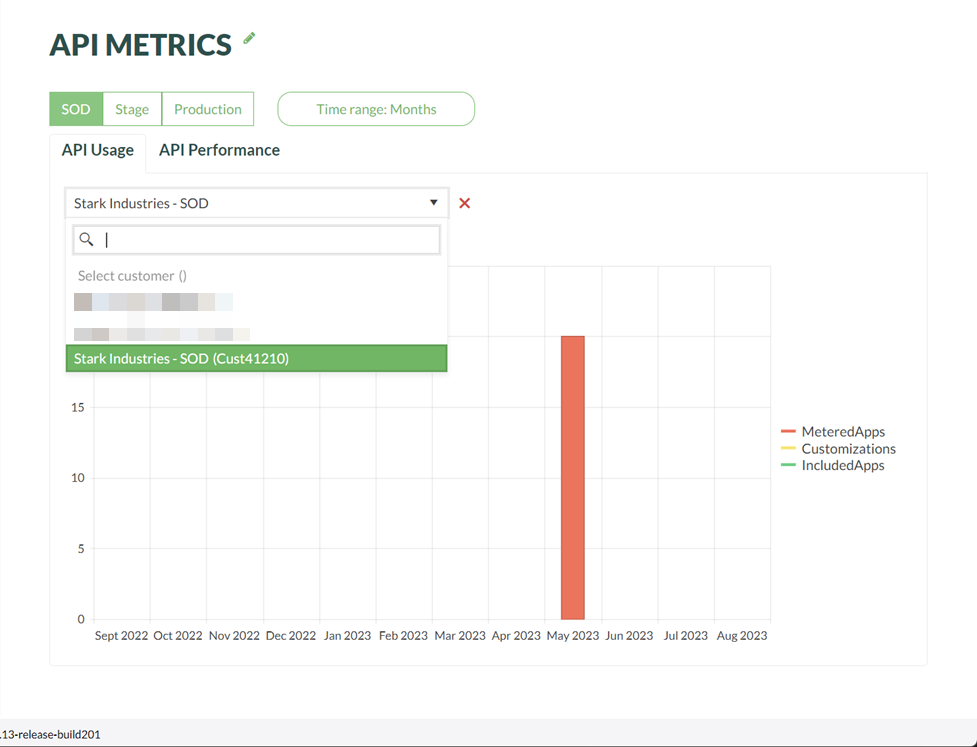
Filter by customer
-
To see the impact of your app on one specific customer (tenant), select a customer from the drop-down list.
The list contains only the customers that have authorized the app for a specific environment. For example, a SOD tenant appears only in the SOD environment. If you don’t see a customer you think should be in the list, check that you have selected the correct environment.
- To clear the filter, click the red cross.
Improve app performance
Leverage our best practices for online app development to both boost your application’s performance and reduce its API usage. Both caching and search have a huge impact. Additional columns from SuperOffice version 10.5.1
The default time period when you look at API calls is Months, but you can change the resolution on the horizontal axis to Weeks or Days.
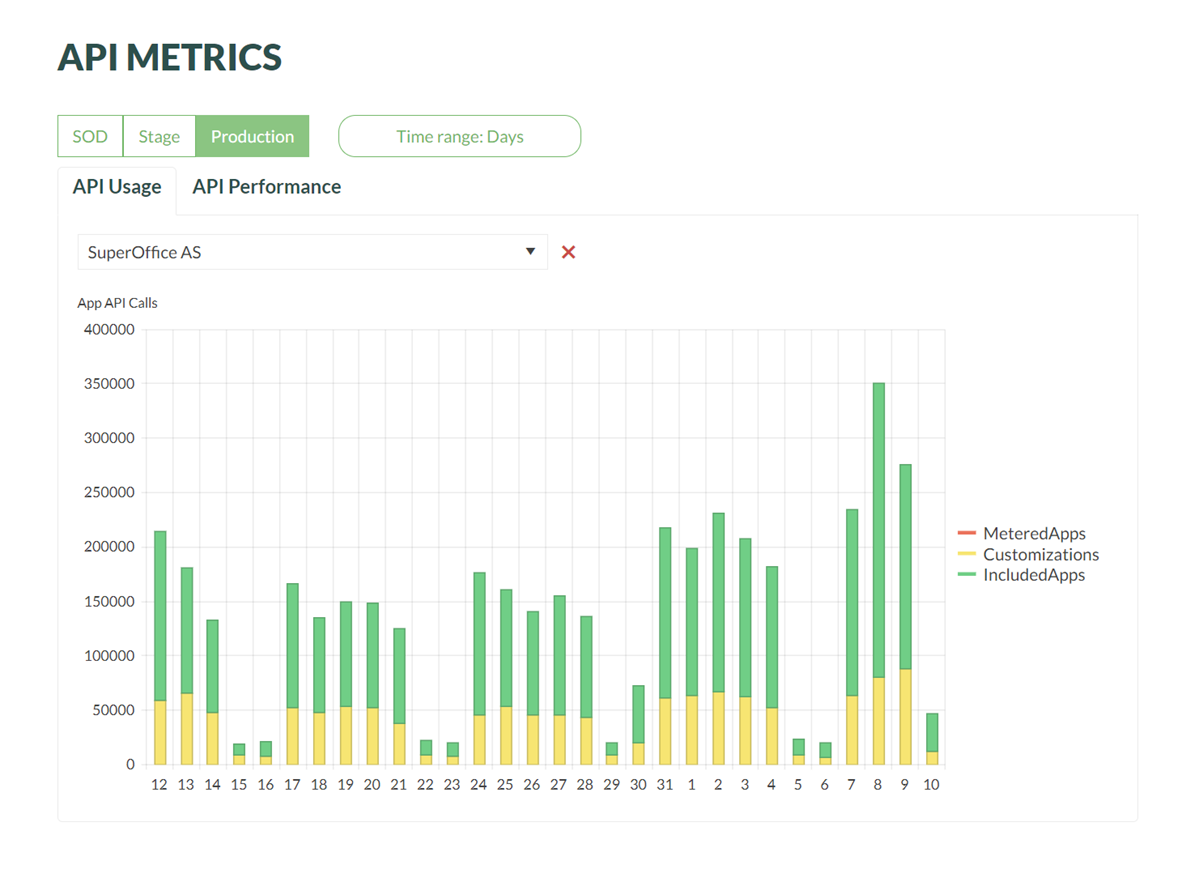
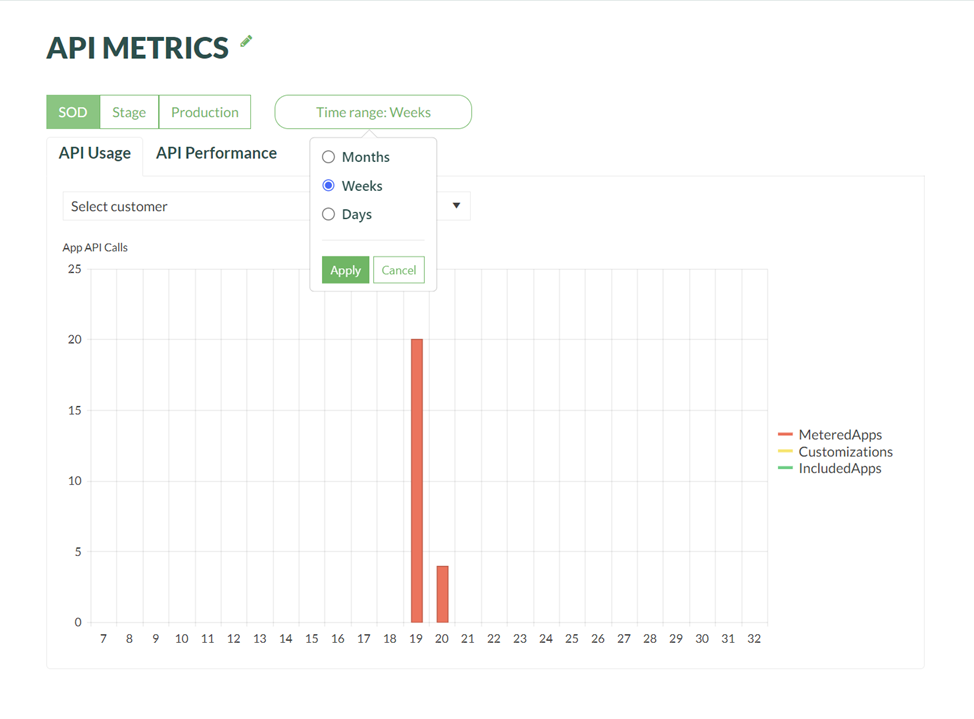 During development, following the statistics in SOD day-by-day can provide valuable insight into the impact of your improvements.