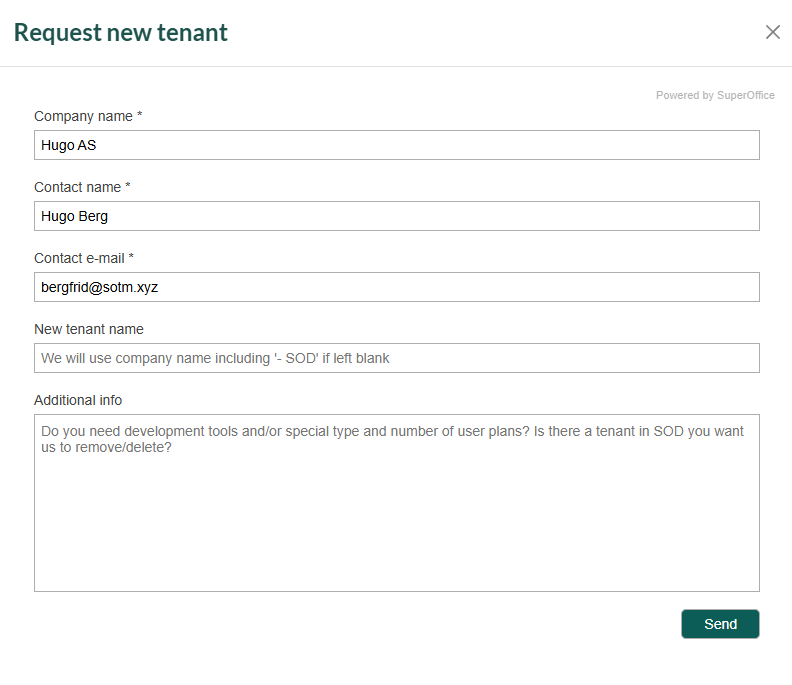
- Request new SOD tenant
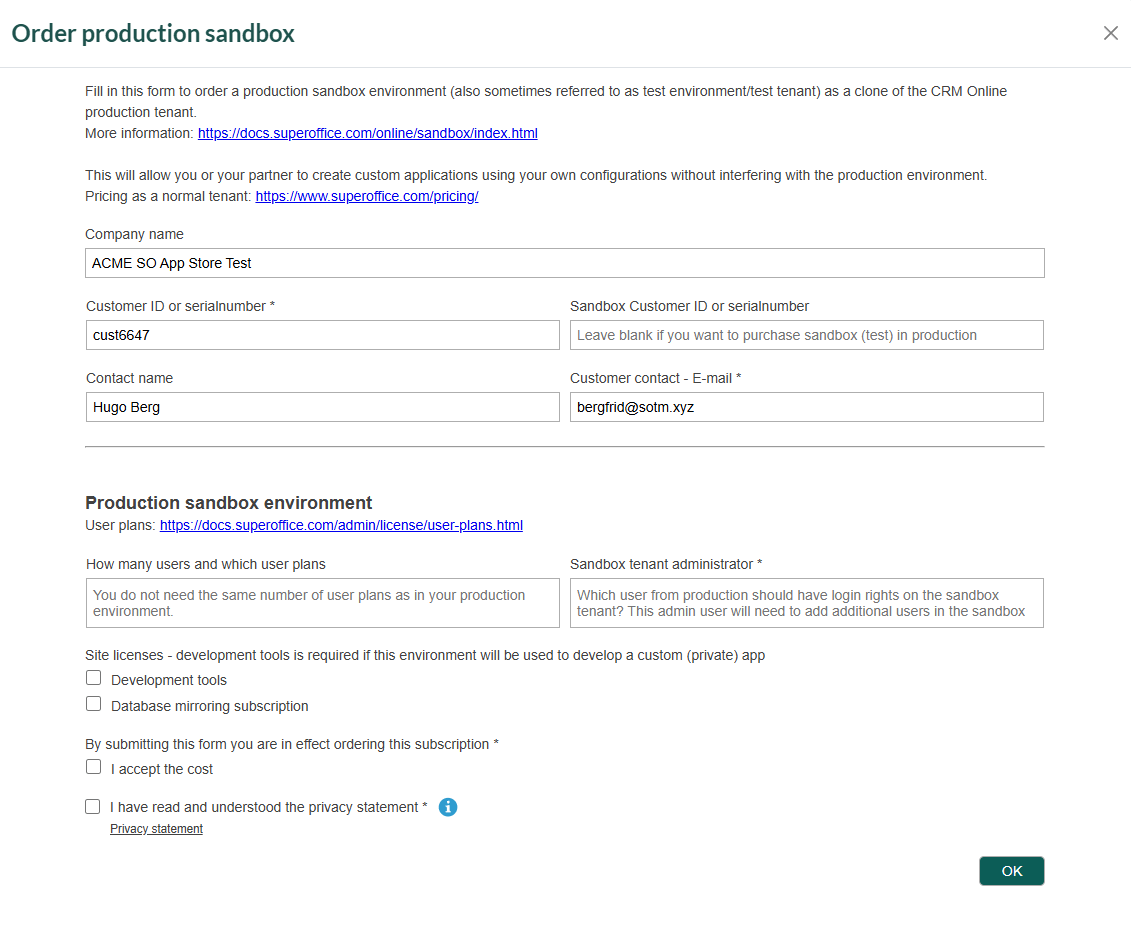
- Order production sandbox tenant
- Navigate to your partner page in the Developer Portal and select Tenants.
- On the Tenant listing page, go to the SOD tab and click Request New Tenant.
- Update the required info if applicable.
- Optionally, enter a custom name for the new tenant. If left blank, the tenant’s name will default to company-SOD.
- Add additional info, and click Send.