- You have an admin account for SuperOffice CRM Online.
- Sign in to the SuperOffice Admin client
- Select Users from the Navigator and then select the Associates tab.
-
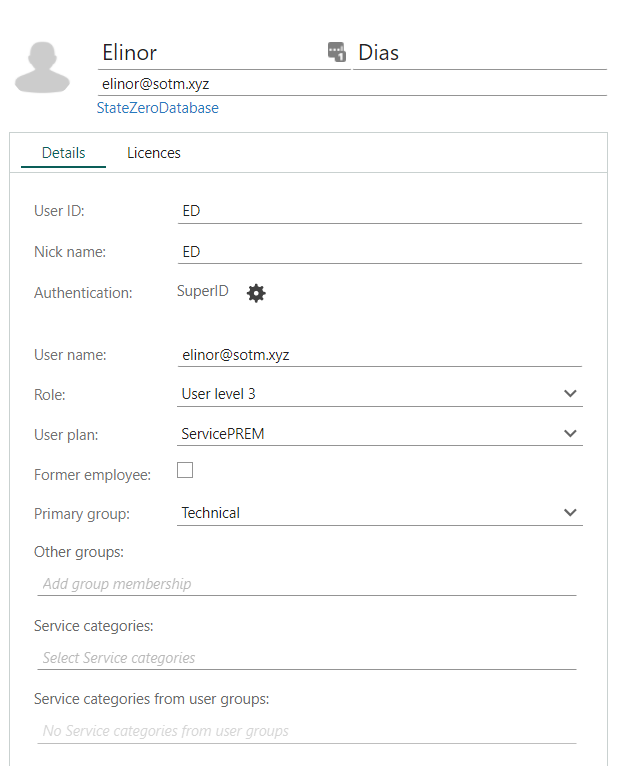
Click Add to open the Contact dialog and enter information:
- Make sure the SuperOffice User name is equal to the username (UPN) in your IdP system if using federated sign-in] for this domain.
- Assign groups and a role.
-
Select the licenses (user plans) you want to assign.
-
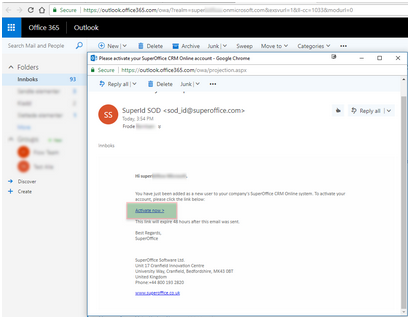
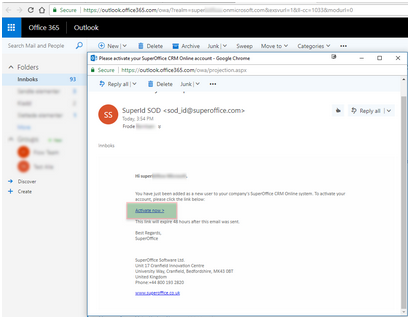
Click Save. Users will receive an invitation email in their inbox and need to click the activation link to enable the account.