

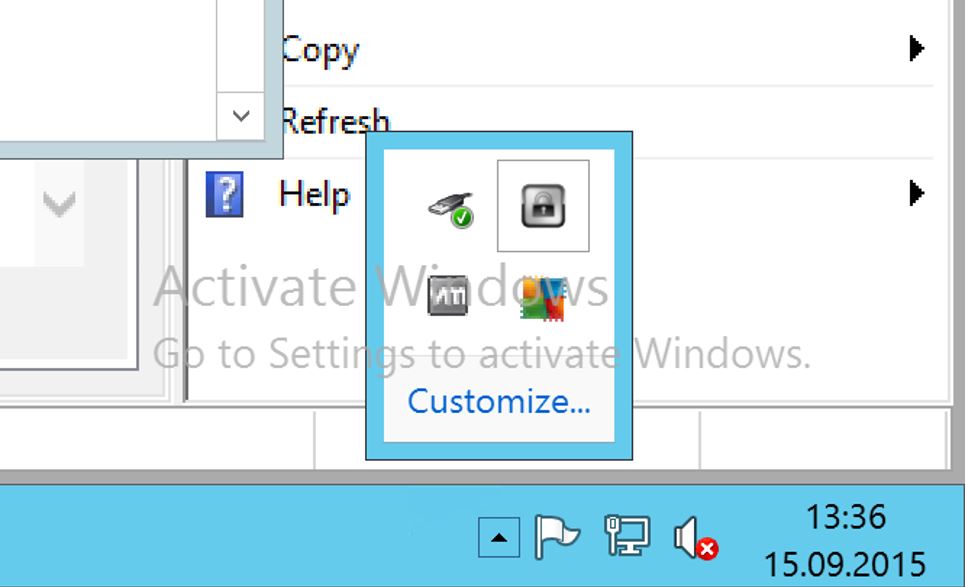
 The following changes should be made to the settings:
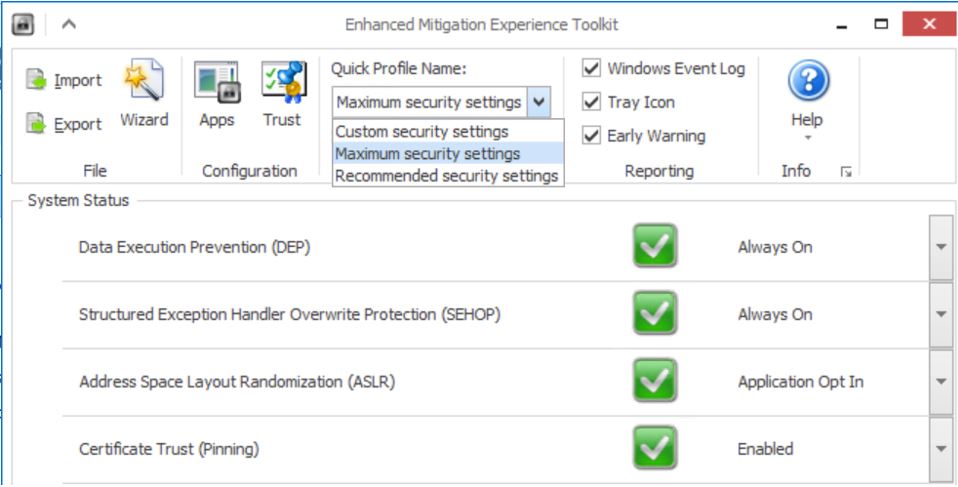
- Set the Quick Profile Name setting to Maximum Security Settings.
- Check that the System Status box shows the same settings as the screenshot below.
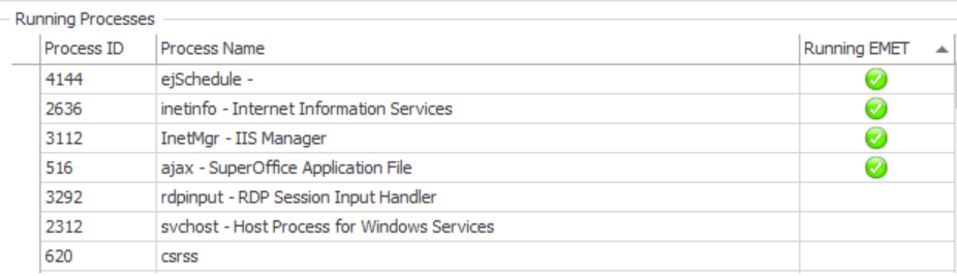
 After setting up the rules, the applications must be restarted for the protection mechanisms to take effect. It is recommended to do a reboot of the server to make sure the rules are properly applied. After rebooting, the EMET GUI should show which processes are running EMET in the Running Processes list.
 Repeat this process for the servers that are involved in the SuperOffice installation, for example, file server, database server, NetServer, and proxy server.