

Mailing - Social bar with Xing and other generic web pages
On the social media bar, you can have several social media buttons that are linked to your own accounts/sites.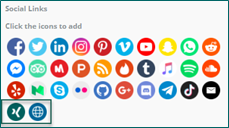 Xing, as a social media, has been added as a button option. You can also add a webpage of any kind, in your social media.
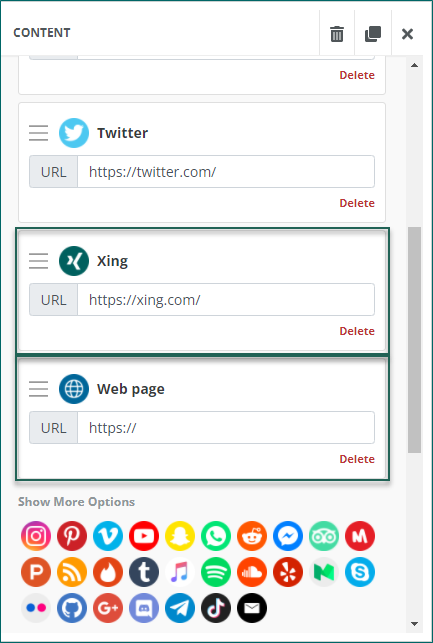 To use the different buttons, you need to create a new social bar where you add the new items like Xing and a web page. This new social bar needs to be added to your mailings and your message templates ready to use for new mailings.

Mailing - Recover unsaved changes
Users working on a mailing design do not always remember to save their latest changes. They are likely to navigate elsewhere in the client to look up some data, or if they are interrupted in their work because of a phone call etc.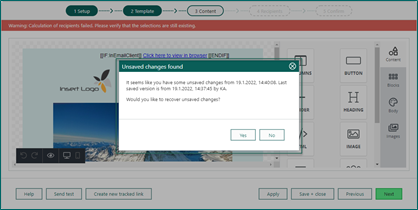
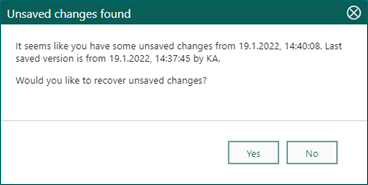 When you re-open your mailing, you get the message Unsaved changes found and you can decide if you want to recover the unsaved changes or discard them.