Sale - Sales targets
To manage your sales goal is easy when defining your sales targets (budget). For ONLINE customers with the Sales Premium license you have access to Targets. Open the Targets dialog by clicking Main menu in the top bar, or the Task button on Dashboards. Click Add groups and users to select wanted user group for your sales target. You can choose between the whole company and user groups (users in the groups will automatically be added).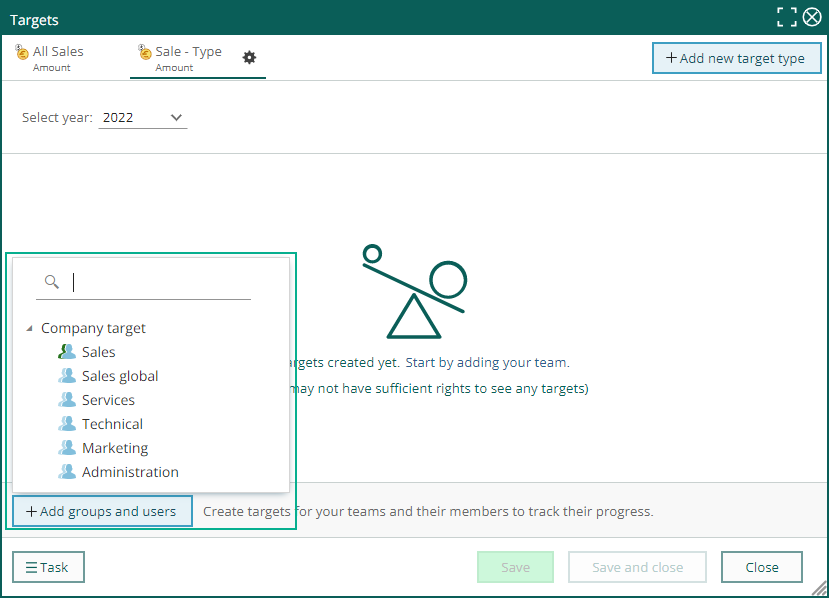 When all numbers are done, you can choose Export to excel from the Task button in the left bottom corner.
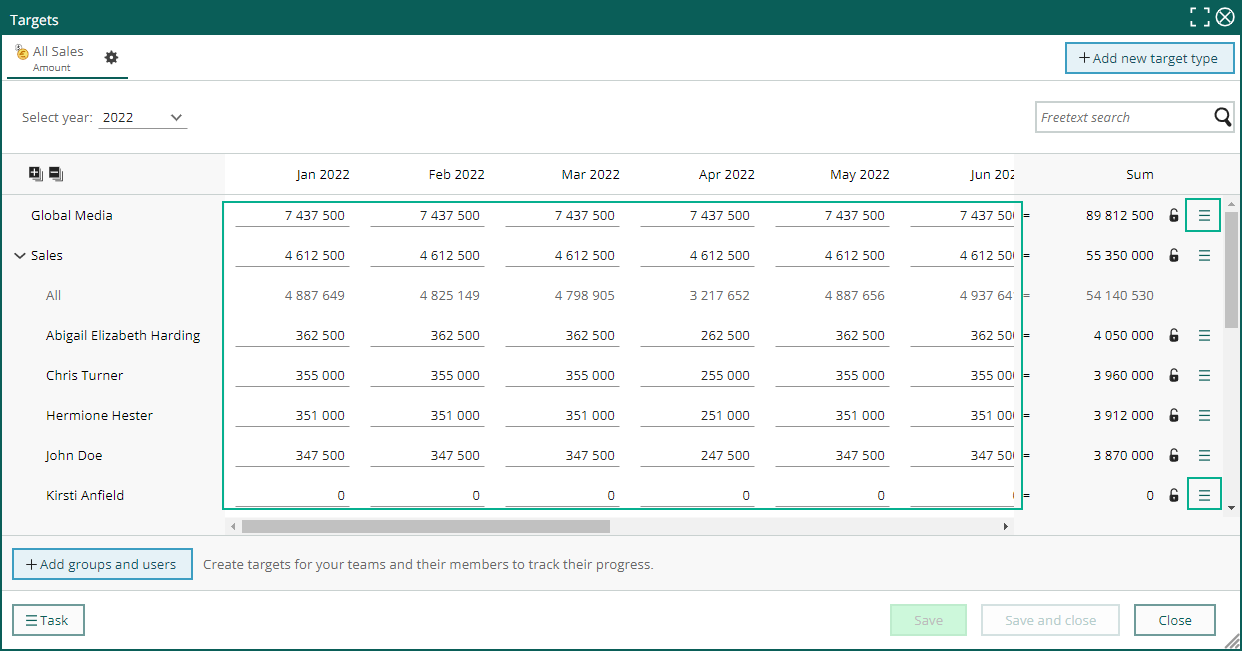
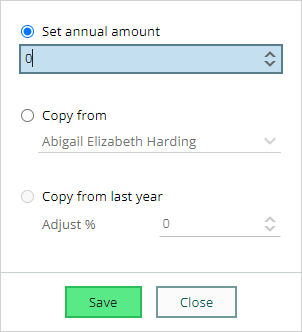
You can now add all the target numbers for each section you have added. You have some options to copy one line to the other or adjust from last year. Use the Task button on each line to Adjust numbers.
You need the functional right Targets administrator for your role to add, edit, and remove target types.
When all numbers are done, you can choose Export to excel from the Task button in the left bottom corner.
You can now add all the target numbers for each section you have added. You have some options to copy one line to the other or adjust from last year. Use the Task button on each line to Adjust numbers.
You need the functional right Targets administrator for your role to add, edit, and remove target types.
You will need Sales Premium license together with the Unlimited sales targets license to add more than one user group. If you only have Sales Premium license you are able to add one group for the target type All sales - Amount.
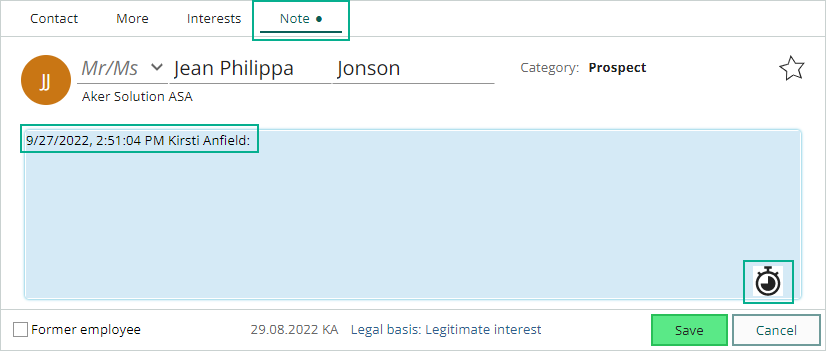
Company and Contact - Note with date and time stamp
Using the Note tab on the main card is useful when it’s information that is important for others to see. Click the Time stamp button to add date, time and name to the note section, write the text section and save.