Notifications
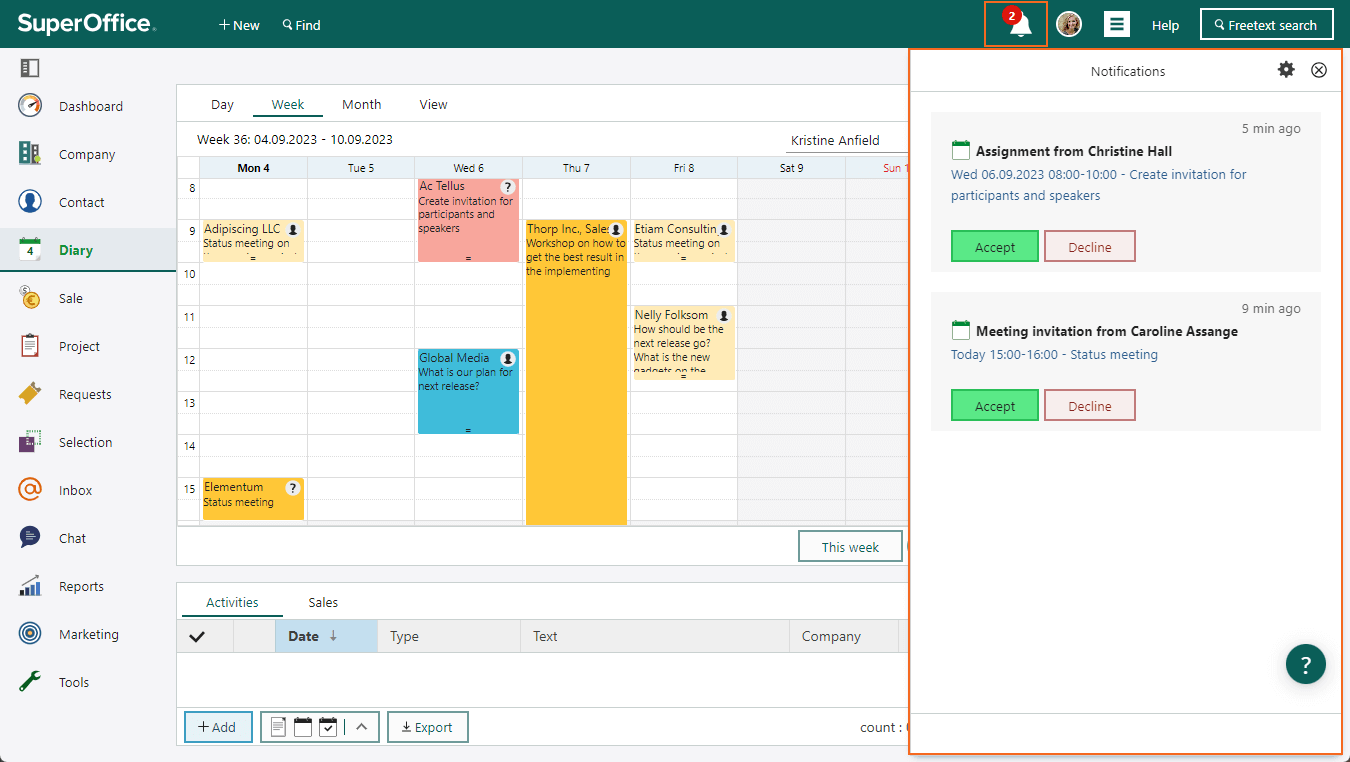
The Notifications panel helps you to get an overview of invitations, assignments, new requests, and messages. To stay on top of what is happening, you’ll get a warning on the Notifications button in the top bar. It will always show the number of notifications you have not yet seen or need to take actions on. Click the notifications and see the list of new or changed appointments and requests. You can also manage your notification settings here by simply clicking the cog wheel in the upper-right corner and change the settings to better serve your way of work. Read more about the Notifications panel in our documentation.