Tracked links - Open form with variables
In your mailings, you might want to track links that open a form. To do this, create a new tracked link, select the response type Open form in the Link properties, choose the desired form, and add the variables you want to be pre-filled. Pre-filled variables make it easier for the recipient to submit the form, as details like their name, email address, and other information are already filled in. To act on link clicks in Flows, you need to use tracked links. You can either use a tracked link available for all mailings or create a specific tracked link for an individual mailing. These tracked links can then be used in triggers, splits, or wait actions within Flows.
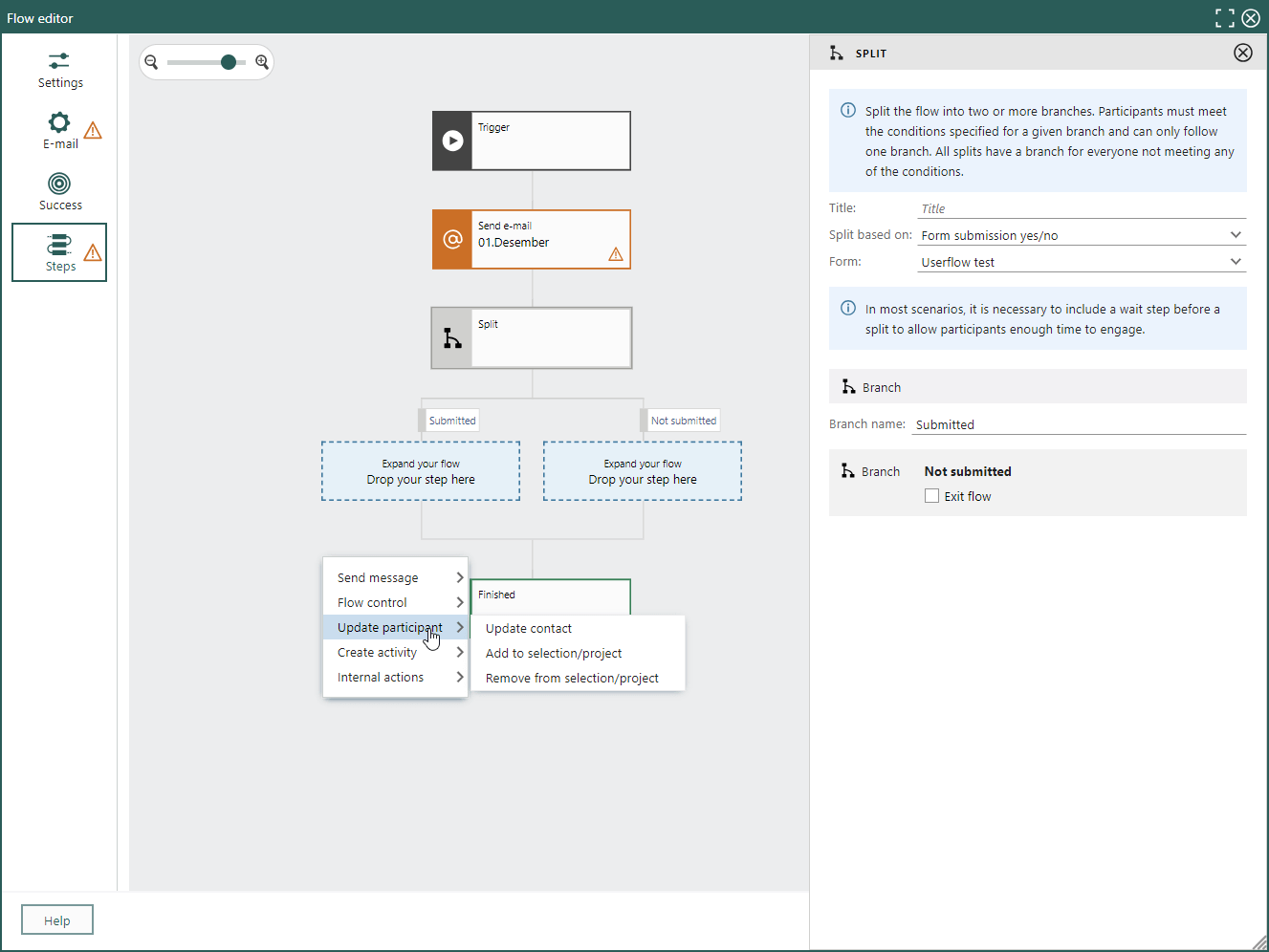
 A tracked link can also be used as a split action to respond to actions taken in an earlier mailing.