

Requests - Get next in queue including own open requests
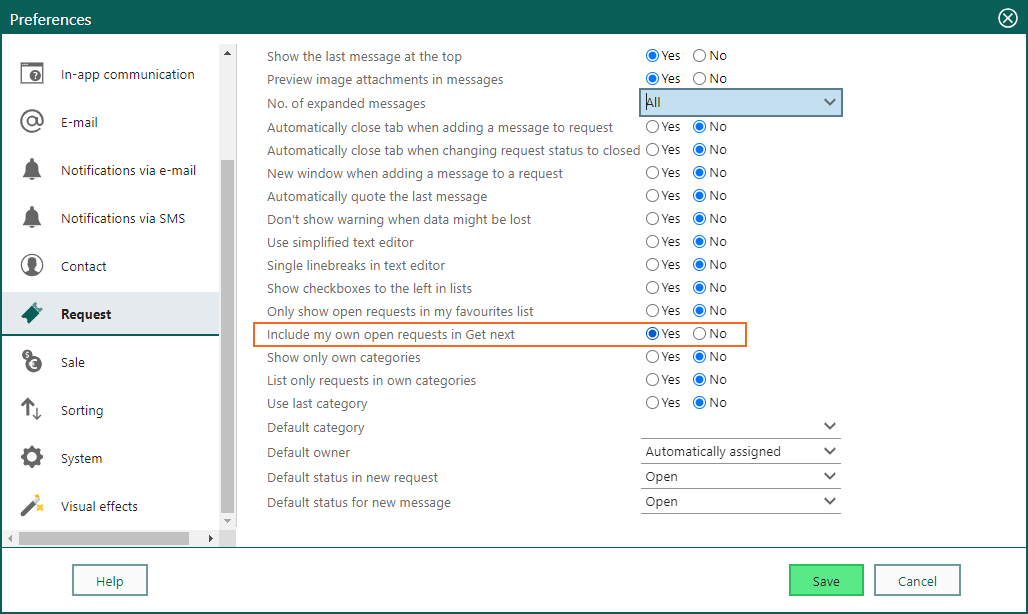
When you use the Get next in queue option , you will always follow your company’s settings on the deadline, your status queue, the category you are in, and unassigned requests. So together with these settings, your own open requests are also added to that queue. This will make the picking of requests more fair for your customers, and no requests should be forgotten. Just remember to update your Request preferences.
Request type - Reply/forwarding settings
Do you get a double signature when you reply to an existing request? Maybe you have duplicate settings, which adds your personal signature together with the signature settings for the request type. For a Request type there are several settings for New request and Reply/forwarding settings. Add the correct Exclude signature setting for new, reply and forward, and you have full control of how the messages to your customers should look like.