

Preview the changes
Check this before reviewing line by line. Amintlify[bot] comment normally appears on the PR within moments of the last push, with a status table and a View Preview link to the changed pages as rendered. It rebuilds on every new push, so it always reflects the PR’s current content.
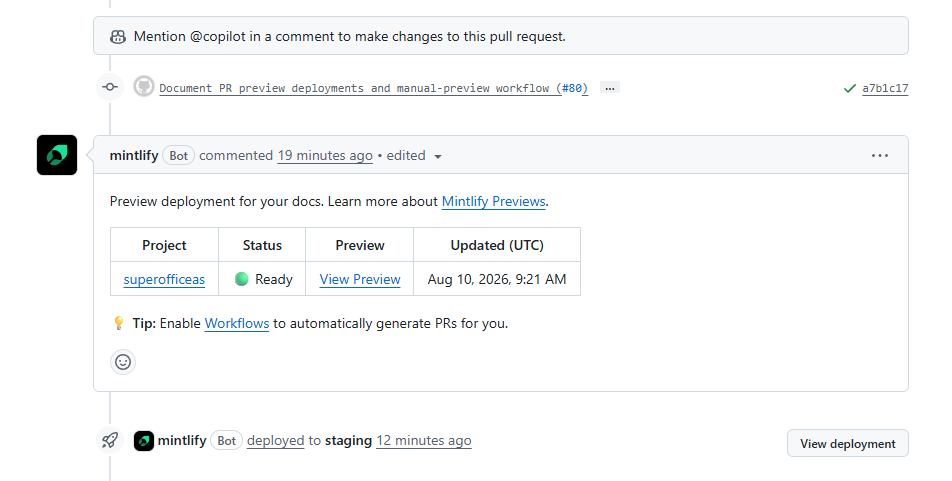
A PR with no bot comment is usually not a build failure - it is most likely a PR opened from a fork, which does not get an automatic preview. Ask the author, or see Manual (custom) previews for requesting one.
Open the PR for viewing
- Go to the repository and click Pull requests.
- Select a PR from the list.
Leave a general comment
- Select the Conversations tab.
-
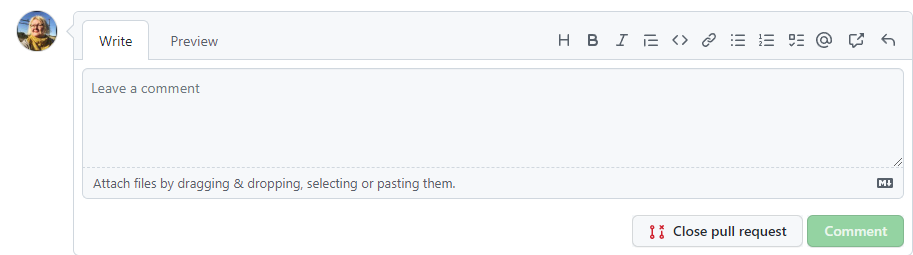
Scroll to the bottom of the page, write your feedback, and click Comment.
Comment on a specific line
- Select the Files changed tab.
- Locate the file and specific line you want to comment on.
-
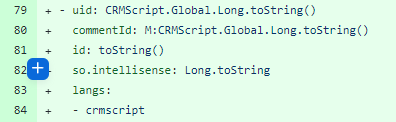
Put you mouse on the line and click the blue plus icon.
- Type your comment.
- Click Add single comment.
Annotations can lag behind the latest push
A check-run annotation on Files changed, such as one from an advisory check documented in Automated tests, reflects the commit it was generated against, not necessarily the PR’s current HEAD. GitHub attaches each annotation to the specific commit its check run was generated against, and the multi-commit diff view can still surface an old annotation next to a line a later commit already fixed. To see the true current state, check the Checks tab, or the latest run of the specific check, instead of trusting an annotation seen while scrolling a multi-commit diff. Watch for this especially on a PR that has had several pushes before you start reviewing.Start and submit review
- Add one or more line comments as described above.
-
Optionally, suggest a specific change that the author can accept and commit directly.
Click
 and edit the text between the
 ```.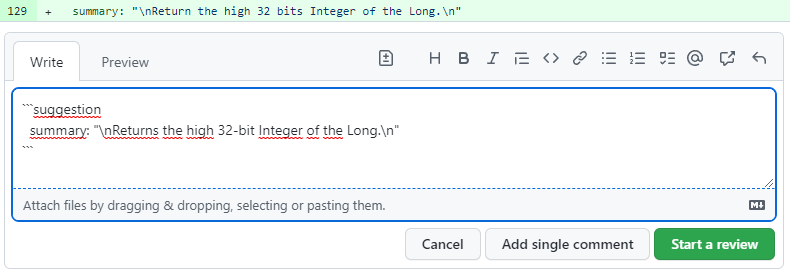
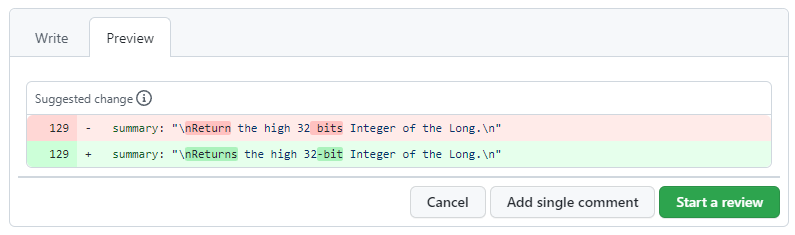
- When you’re done, click Start a review. Alternatively, click Add review comment if you already started the review.
- Finished reviewing all the files.
-
Click Review changes above the changes.
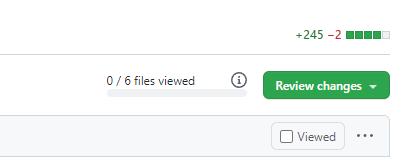
-
Enter a description of your feedback and select the type.
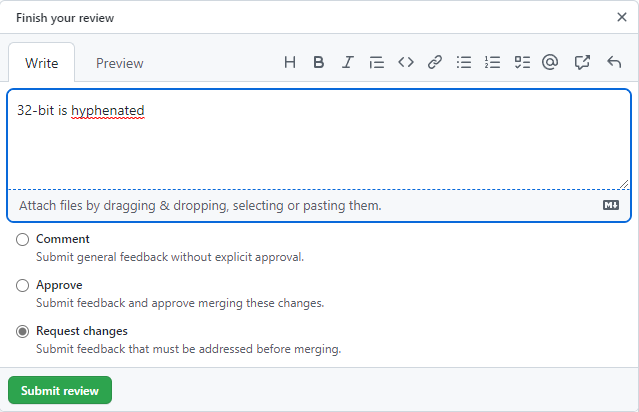
- Click Submit review.
What happens now?
- Follow the discussion in the Conversation tab.
- If you requested changes, follow up on those.
- If you approved and all checks are green, you can merge the PR and delete the branch.