

- Manage contents of App Store pages (App Store)
- Configure apps (Configuration)
- User management (Users)
- In the Developer Portal, go to your partner page.
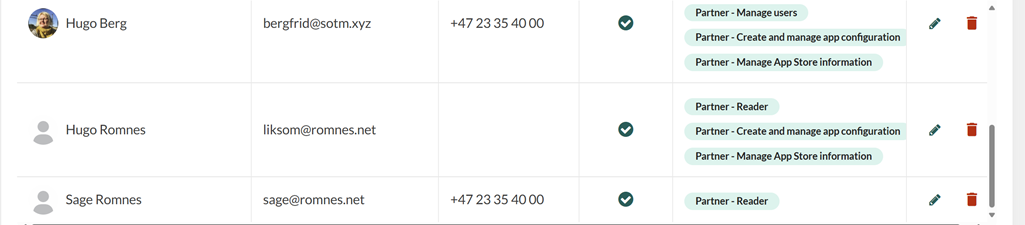
- Select Users from the left menu.
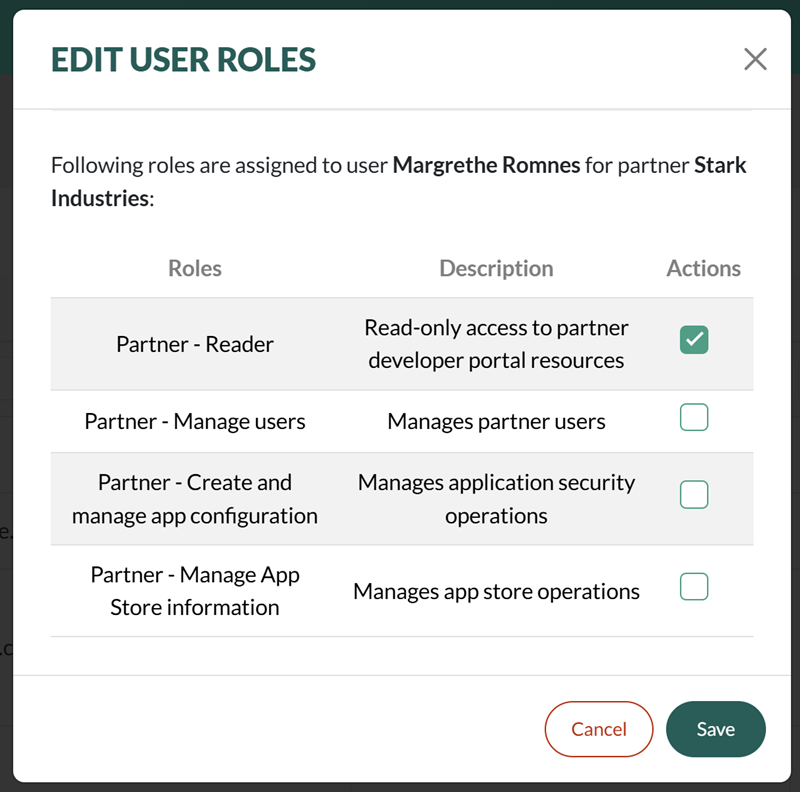
- Locate the user in the list and click the Edit pen icon. The Edit user roles dialog appears.
-
To grant a permission, tick the corresponding checkbox. To remove a permission, uncheck it.
- Click Save.