

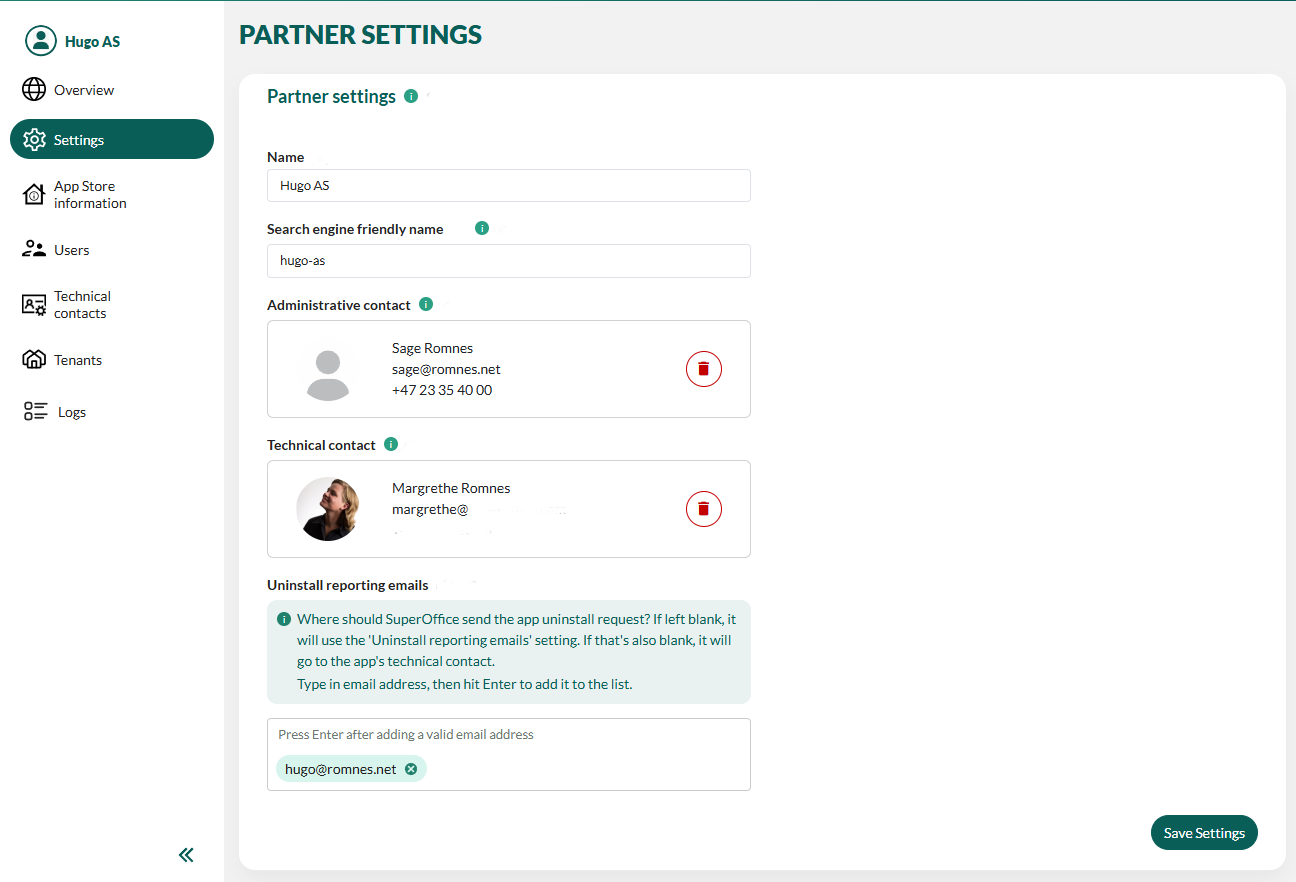
- In the Developer Portal, go to your partner page.
- Select Settings from the left menu or click the Edit button.
- To change a contact, click Clear and then add the new person.
- To request other changes, send an email to
appdev AT superoffice.com. - Click Save Settings.