- Editing of the document properties in the Document dialog.
- Editing of the document file itself in the application the document was created in.
Edit document properties in the Document dialog
To change document properties, such the project the document is linked to, use the Document dialog:- Select the required document.
- Right-click and select Document. If you double-click on the document, it opens directly in the application it was created in.
- Make the required changes.
- Click the Save button.
To edit a completed document, you must first uncheck the Completed status.
Edit document content
Follow the instructions below, depending on how documents are managed in your SuperOffice installation.- Using SuperOffice WebTools
- Without WebTools
- Double-click the required document.
- If a dialog opens, click Edit.
- Update the document as required.
- Save it and close the text-editing application.
- (if applicable) In the dialog that appears, click Yes if you are done editing the document. Click No to keep the document checked out. This dialog appears only if this option was activated in SuperOffice WebTools.
- The document is checked in and the status is set to Completed.
Browser security question for opening files
When you access and edit a document, file, or email in SuperOffice, your browser prompts you with a security question regarding the file download.- To open the file, you must select the Open/Allow button.
- Select Always allow to skip the question next time.
- Chrome
- Edge
- Firefox
- Safari
Select Open URL:SuperOffice-Extensions.


Delete document
From the Activities section tab
- Select the required document on the Activities section tab in the Company, Contact, Diary, Sale, or Project screen.
- Right-click and choose Delete.
- Confirm or cancel the deletion in the confirmation dialog.
From the Document dialog
When viewing a specific document:- Click the Task button () in the Document dialog.
- Choose Delete.
- Confirm or cancel the deletion in the confirmation dialog.
Download a document or email
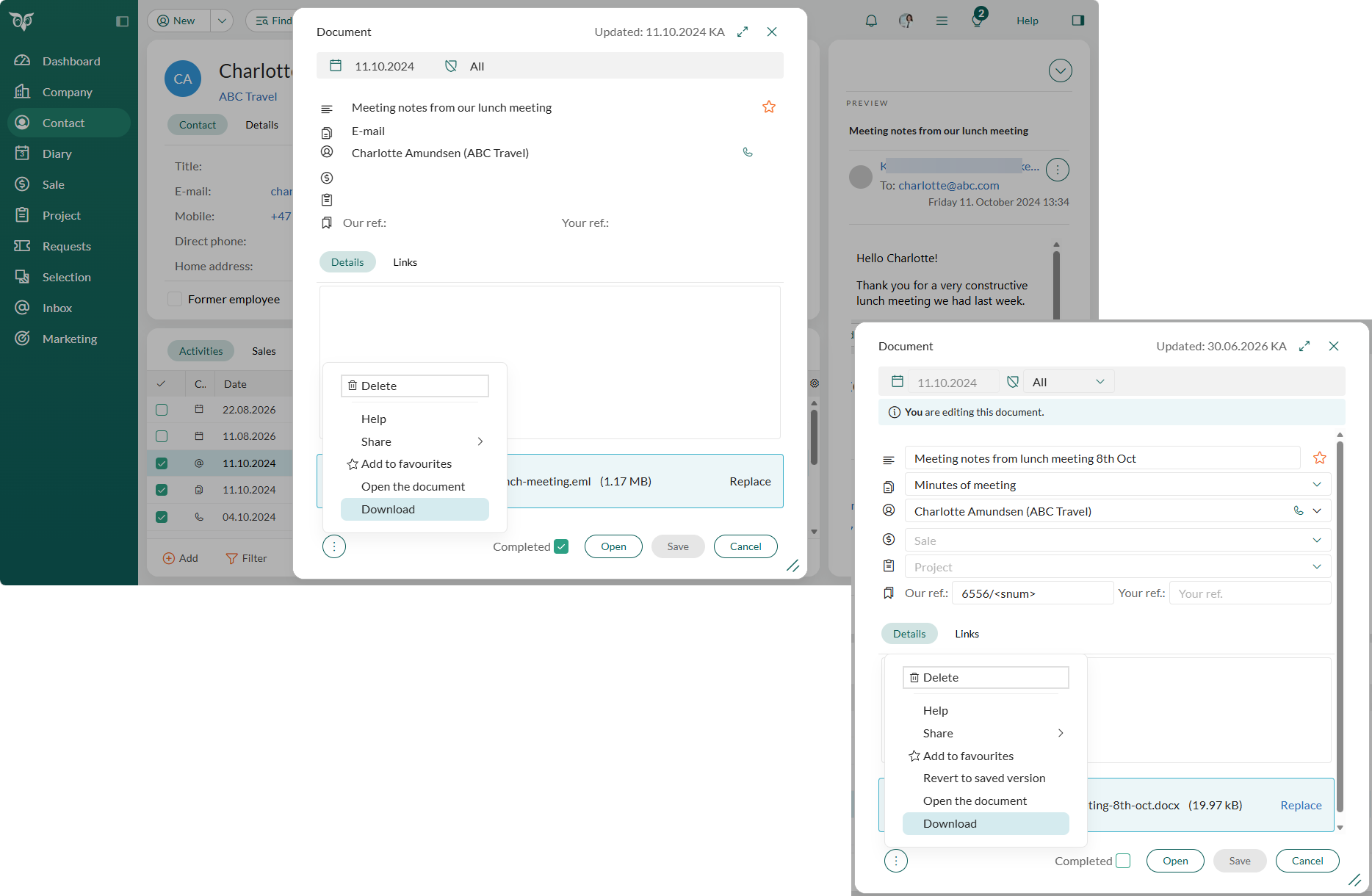
Downloading saves a copy of the file to your device. In SuperOffice, a saved email is a document, so you download an email the same way as any other document.- Click the Task button (). The button is available in the Document dialog, in the email dialog, and in the email preview.
- Choose Download.
Save downloaded emails without a file name prompt
When you download an email, SuperOffice sends the file and your browser decides whether to ask for a file name. To save emails straight to your Downloads folder, turn off the prompt in your browser.- Chrome
- Edge
- Firefox
- Safari (Mac)
- Select Settings, then Downloads.
- Turn off Ask where to save each file before downloading.
chrome://settings/downloads.After this, emails are saved straight to your Downloads folder under their own name. If your PC is managed by IT, they may have locked this setting. Ask IT to change it.
Open downloaded emails in your email app
To open a downloaded email directly in the email app installed on your PC, change the settings in Windows and in your browser. These settings are not in SuperOffice.-
Tell Windows which app opens email files. Select Settings, then Apps > Default apps. Search for
.eml(and.msgif you use that), and choose your email app, for example Outlook. - Tell your browser to open the file after download.
- Chrome or Edge
- Firefox
- Download one email.
- Open the downloads list (the download icon in the toolbar), and click ⋯ next to the file.
- Choose Always open files of this type.
chrome://settings/downloads or edge://settings/downloads) and click Delete next to Open certain file types automatically after downloading.If the option is missing or greyed out, your IT department has probably blocked it.
Troubleshooting
If you double-click a document and nothing happens, try to right-click it and select Document. This opens the Document dialog. Click Open and see if the document opens now.How do I know if I am using SharePoint, SuperOffice WebTools or not?
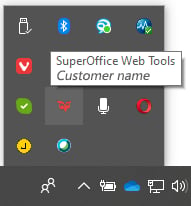
SharePoint: Create a new document. If it opens in Microsoft Office Online, you are using SharePoint. SuperOffice WebTools: Open the system tray in the lower right corner of your desktop and look for the SuperOffice icon .