

Pre-requisites
- SuperOffice administrator account with access to user admin.
Procedure
- Sign in to the SuperOffice Identity Manager.
- Click SCIM Sync Config in the upper right corner.
-
Copy the tenant URL and token from the dialog box.
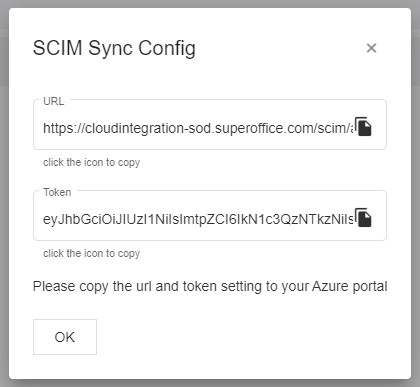
Get SCIM config for the Microsoft Entra enterprise application