

- Open SuperOffice Settings and maintenance and go to the Preferences section.
-
Choose the Video meetings tab.
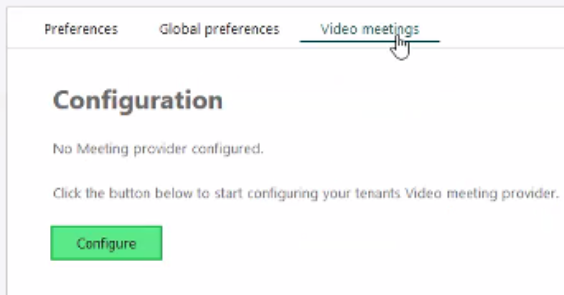
- Click Configure to start the configuration process. A new web browser window will open.
-
Select a provider. Choose the provider your company uses for video meetings.
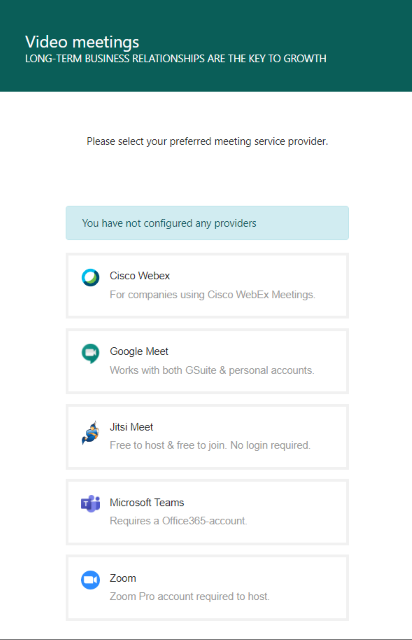
- You will be forwarded to the provider’s authentication portal to authenticate and validate your user and to confirm you allow to connect it to SuperOffice.
- Verify configurations is active in SuperOffice. For example, “Your SuperOffice installation is configured with the following meeting service …”
How to connect to a video provider
How to connect video provider
Related topics
What's new in SuperOffice Video meetings integration