

- Open SuperOffice Settings and maintenance and go to the Preferences section.
- Select the Video meetings tab.
- Click the Configure button. A new tab opens.
- If a service provider has already been selected, you can click Disconnect.
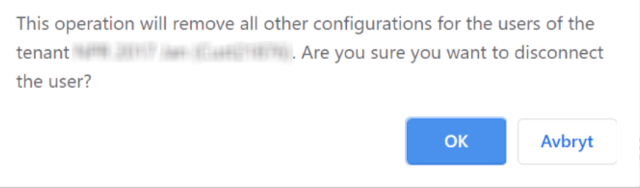
- A warning is displayed, click OK to continue.
 For some providers, you must also uninstall before you can start the configuration over. See the vendor-specific guides for details.