

Document dialog - Clean and intuitive
The Document dialog now shares the same clean, familiar design as the Follow-up dialog, making it intuitive to select options like title, template type, company/contact, sale, and project - just as you would when setting up a follow-up. Marking a document as a favourite is simple - just click the star icon, and you’ll easily find it again in the My favourites side panel. The top bar in the Document dialog includes these fields:- Language: Choose from available languages for the selected document template (your default is set based on preferences).
- Date: Select a date other than today’s if needed. This option is only editable when the document is first created.
- Visible for: Control visibility settings - visible to everyone, specific user groups, or only yourself, with the default based on your preferences.
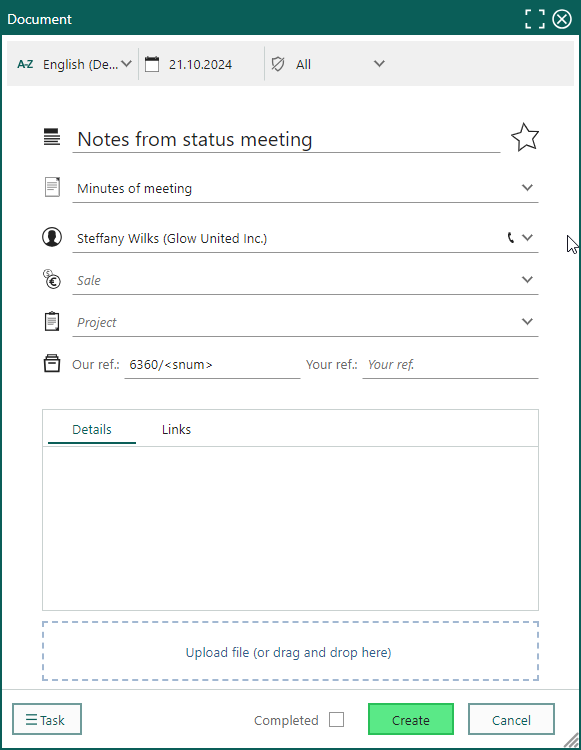 The Document dialog can be customised using the Screen designer in Settings and Maintenance, though some fields are fixed and cannot be modified.
Selection - Task for print selection
Need to print specific data from SuperOffice CRM? The Print Selection option under Task in Selection makes it easy to print any selection you choose. Simply set up the first five columns you want included, and you’re ready to go. For larger data sets, we recommend using the Export to Excel feature instead. If you’ve applied grouping or column calculations to your selection, these settings will appear in the printed report, too.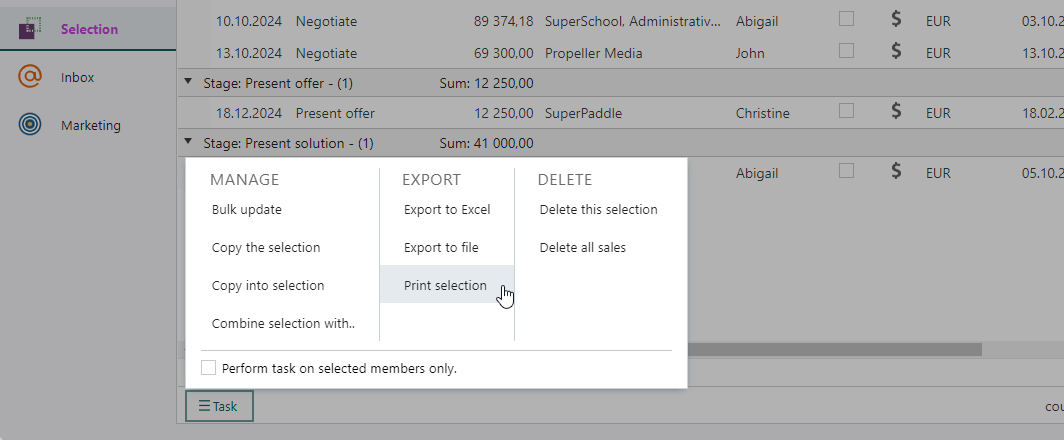
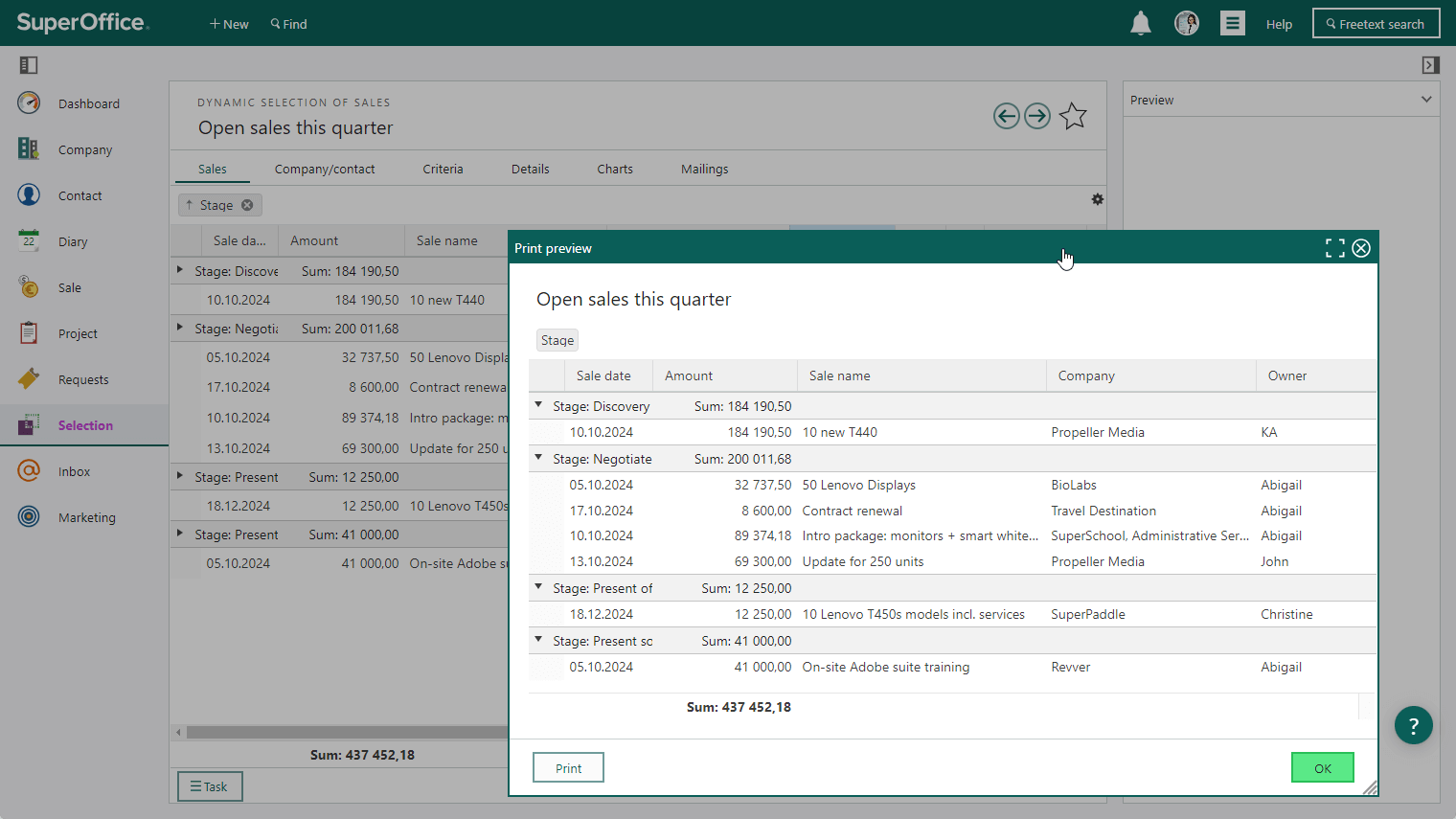 You can also print the main screen, including the section tab, by selecting Print from the Task menu.