

Steps
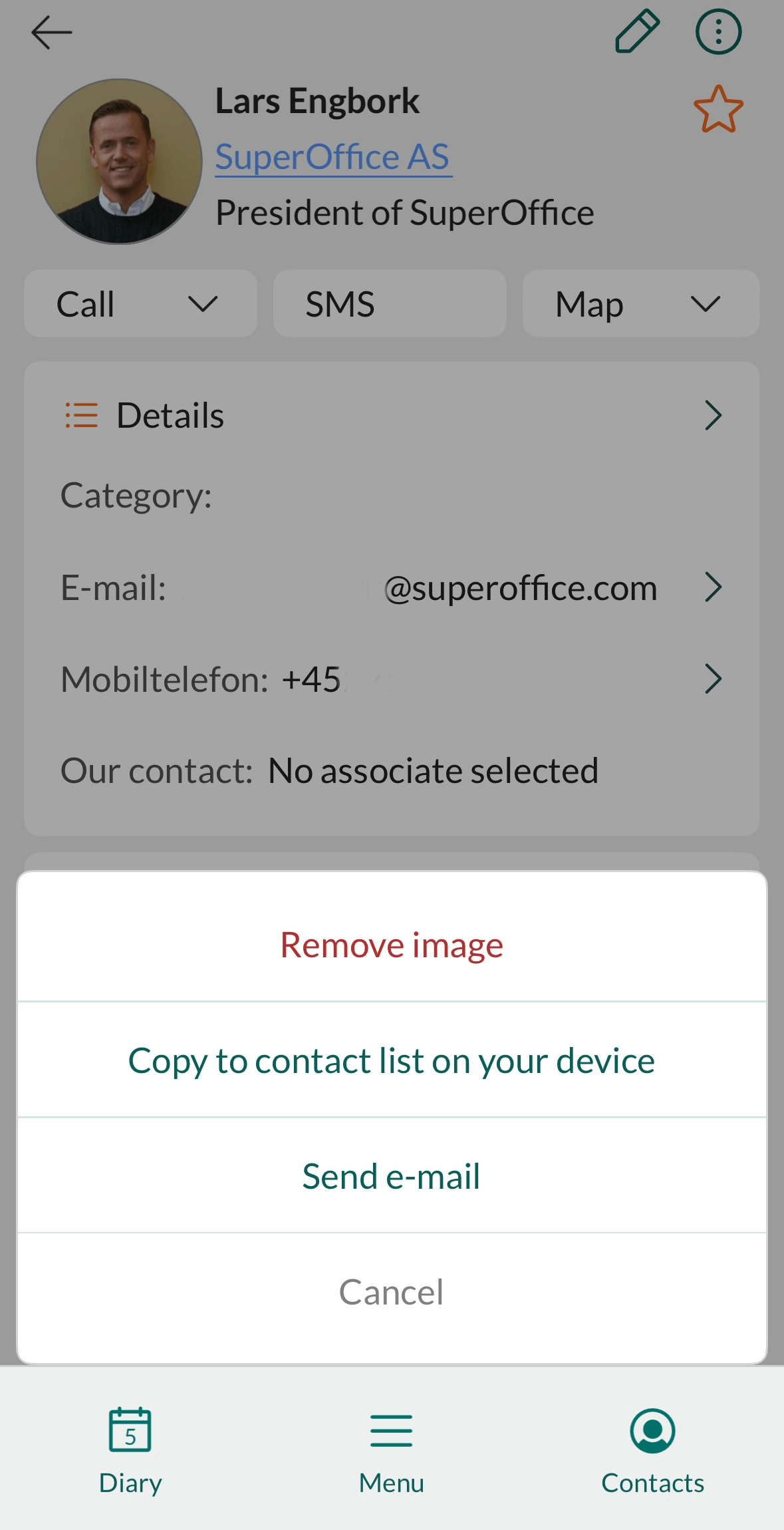
- Open the person or company you want to copy.
- Tap in the upper-right corner of the screen.
-
Select Copy to contact list on your device from the menu.
 The first time you do this, the app will ask for permission to access your contacts.
 - When the contact has been successfully copied to your local address book (based on the account specified under Phone contact accounts), a notification appears. Tap OK to finish.