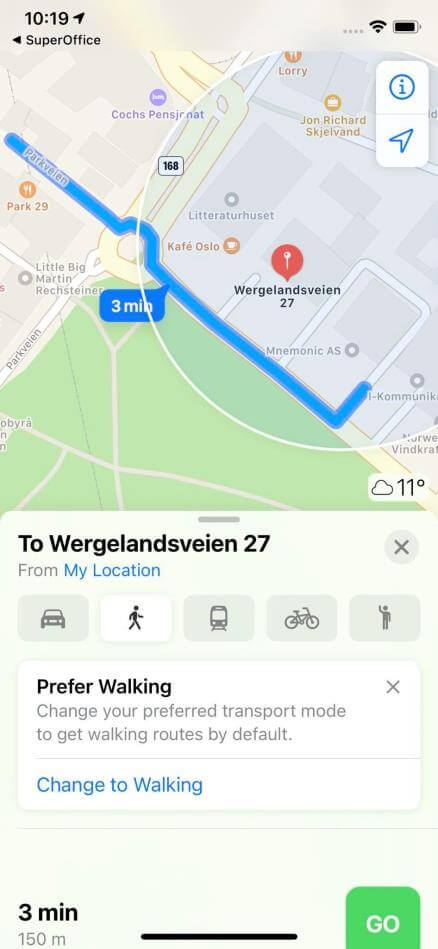
Mobile CRM uses the default map service on your device to display addresses. You can open a map either from the Map button in the action bar or by tapping an address field directly.
The Map URL can be configured under System settings, and the behavior may vary depending on your device and platform.

Steps

  1. Open a company or contact.
  2. Do one of the following:
    • Tap the Map button in the action bar. If multiple addresses are available, select which one to display.
    • Tap any address field in the Details section.
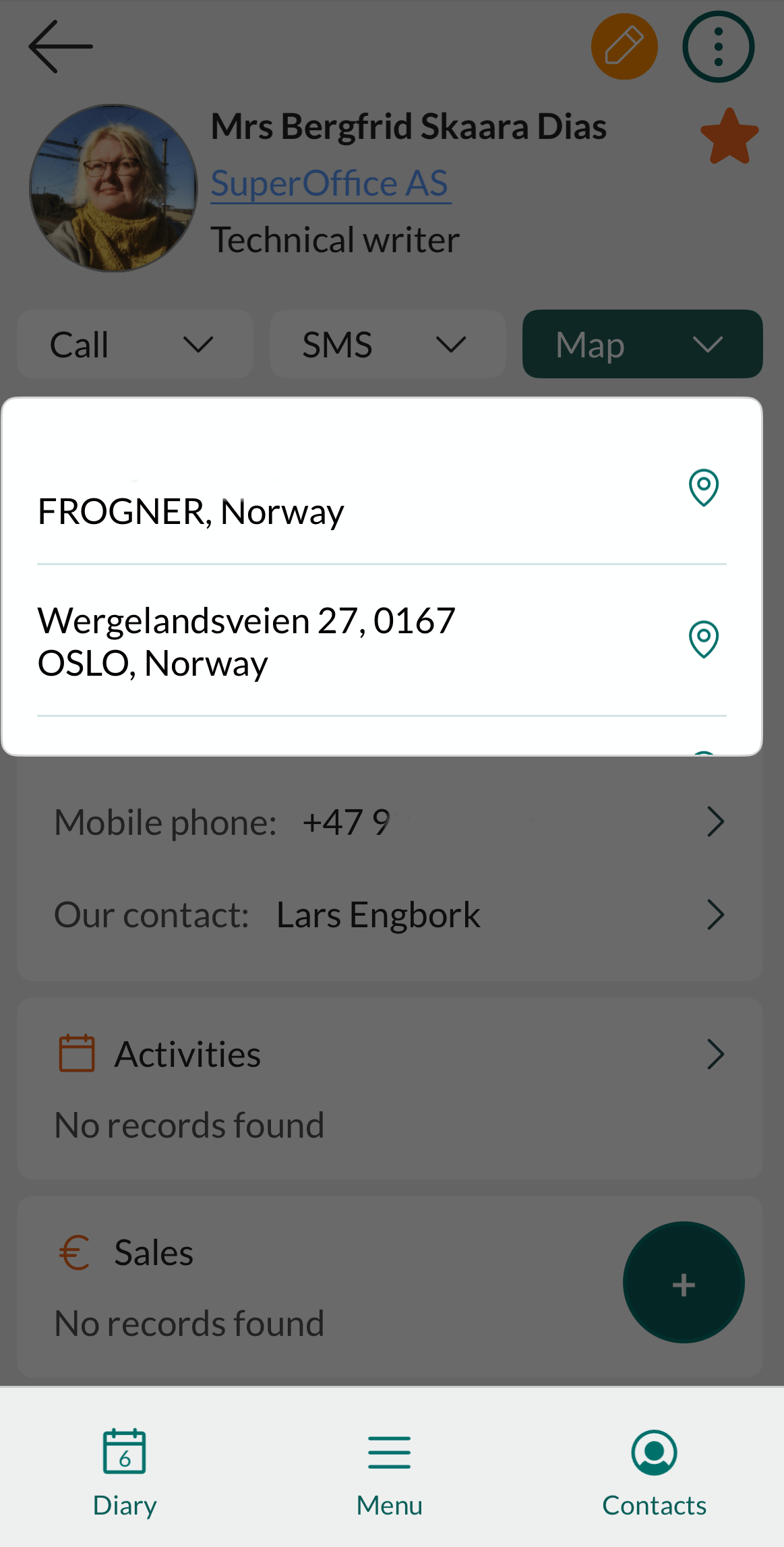
Mobile CRM: select address -app-screenMobile CRM: map -app-screen