Pre-requisites
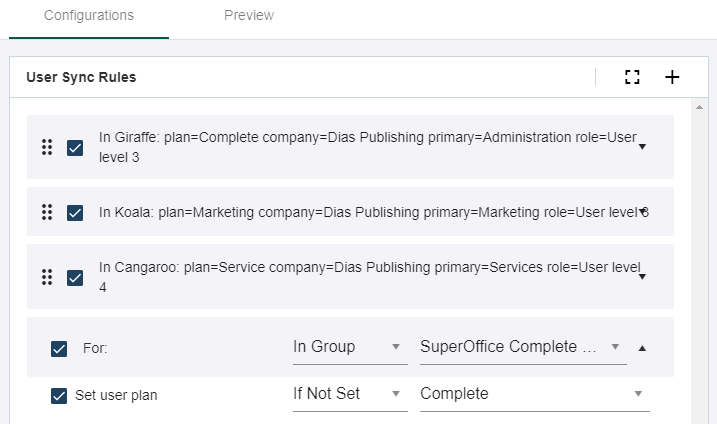
- You are signed in to the SuperOffice Identity Manager and have opened the Configurations tab.
Activate a SCIM rule
- Locate the rule in the User sync rules pane and select the checkbox.
Deactivate a SCIM rule
- Locate the rule in the User sync rules pane and clear the checkbox.
Change the order of the rules
- Locate the rule in the User sync rules pane.
- If the rule is expanded, click the arrow to collapse it.
- Select and hold the rule (anywhere on the shaded area) and then move it up or down the list to its new location.
-
Click Save.