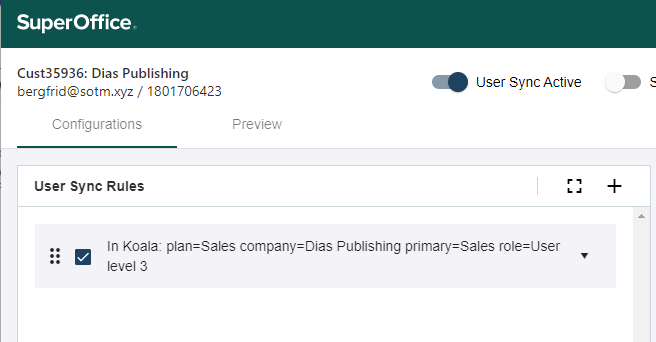
Click the plus sign (+) in the upper-right corner of the User sync rules pane.
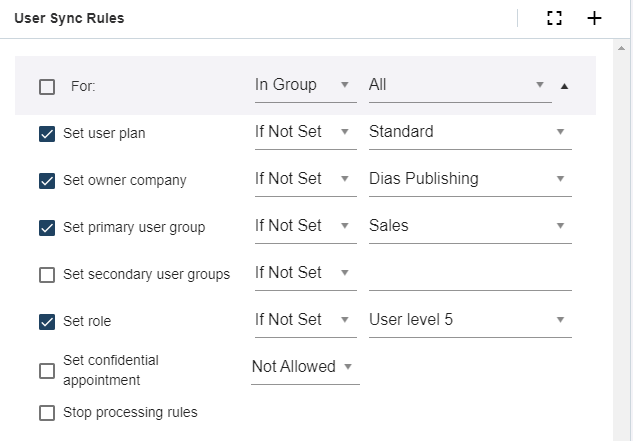
Set which users the rule applies to:
all
only users in 1 specific group
all users except those in a specific group
Select the settings these users should be mapped to in SuperOffice.
Click Save.
You can choose if the selected mapping shall be applied only if the value is empty (Is not set) or applied as an override to all matched users (Always).