Pre-requisites
Procedure
- Open the Configurations tab.
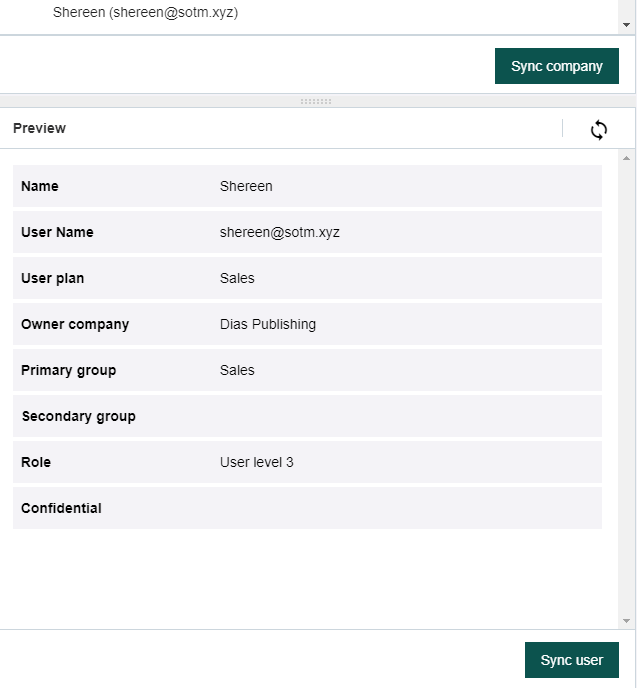
- Select the user you want to sync in the SCIM users pane: Browse the groups or use the search box.
-
Look at the info displayed in the Preview pane:
- If you are good to go, click Sync user. Otherwise, update the SCIM rules, preview again, and sync when OK.