

Steps
-
Follow the process in Play Store/App Store for downloading and installing the application and wait for the installation to finish before opening the application.


- Open the installed application on your mobile device.
-
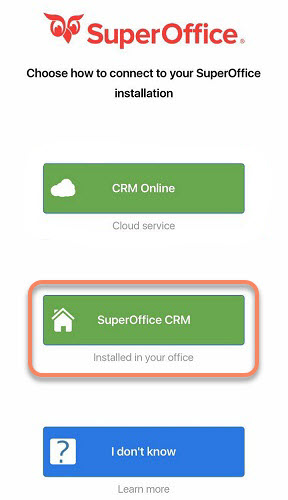
The first time you start the app, you will be asked to configure what type of environment your SuperOffice server is using. Choose SuperOffice CRM.
-
You must now set the URL in the app to connect it to the server by setting the connection URL / connection string / URL to your Pocket server / NetServer installation:
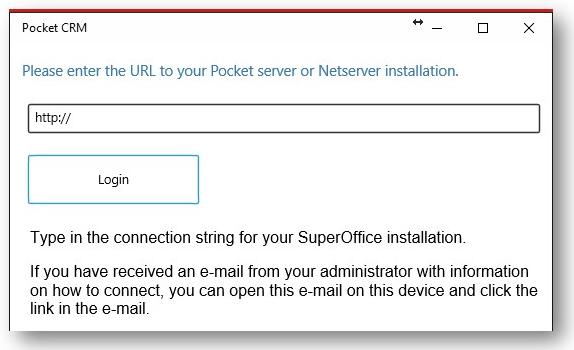 Your administrator should know where to find this URL.
- Sign in with the same username and password you use for the SuperOffice CRM and you are ready to use SuperOffice Pocket CRM!