Add domain for a company
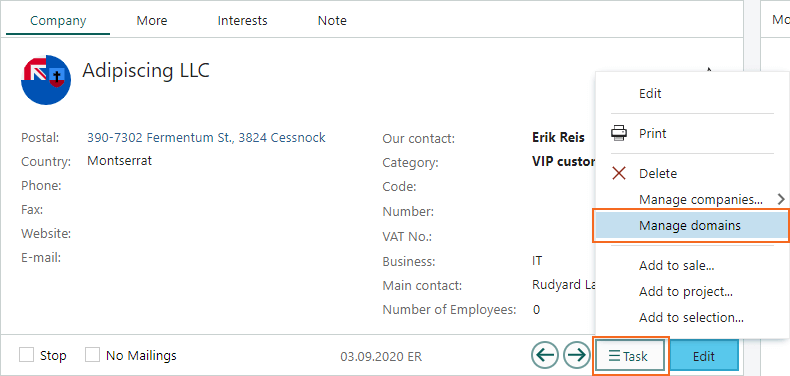
When dealing with requests from multiple customers, it’s handy to connect a new customer to an existing company automatically. Adding domains to a company is a neat way of connecting the new contacts to the correct company. To maintain the different domains:- Go to a company.
- Click the Task button and select Manage domains.
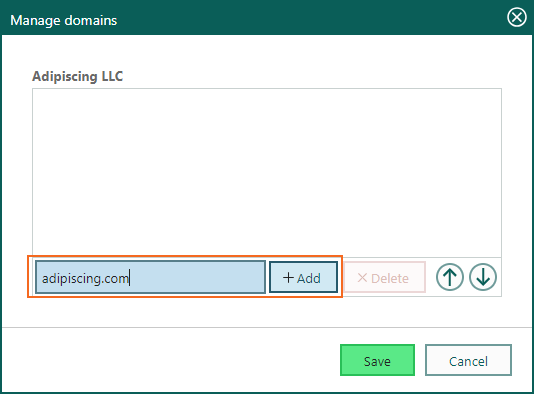
- Enter a valid email domain and click Add. Repeat for additional domains.
- Click Save when you are done.
Send SMS from a request
When dealing with customers that use only mobile phones, you can, with the correct setup and an SMS provider, send out requests by SMS. Just select the correct contact with phone number and send the request.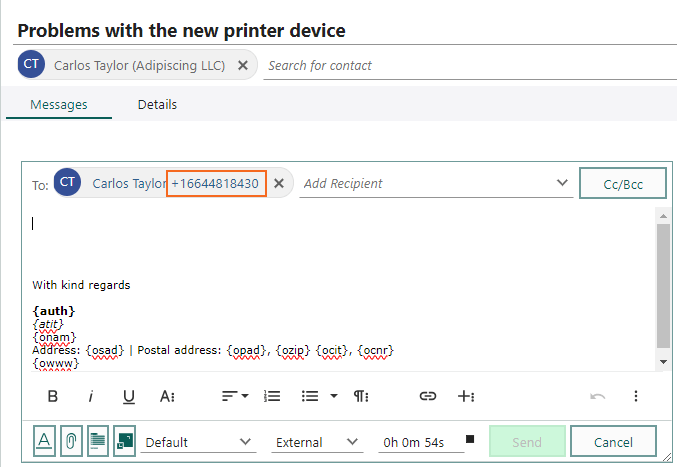
Change the default style for outbound emails on requests
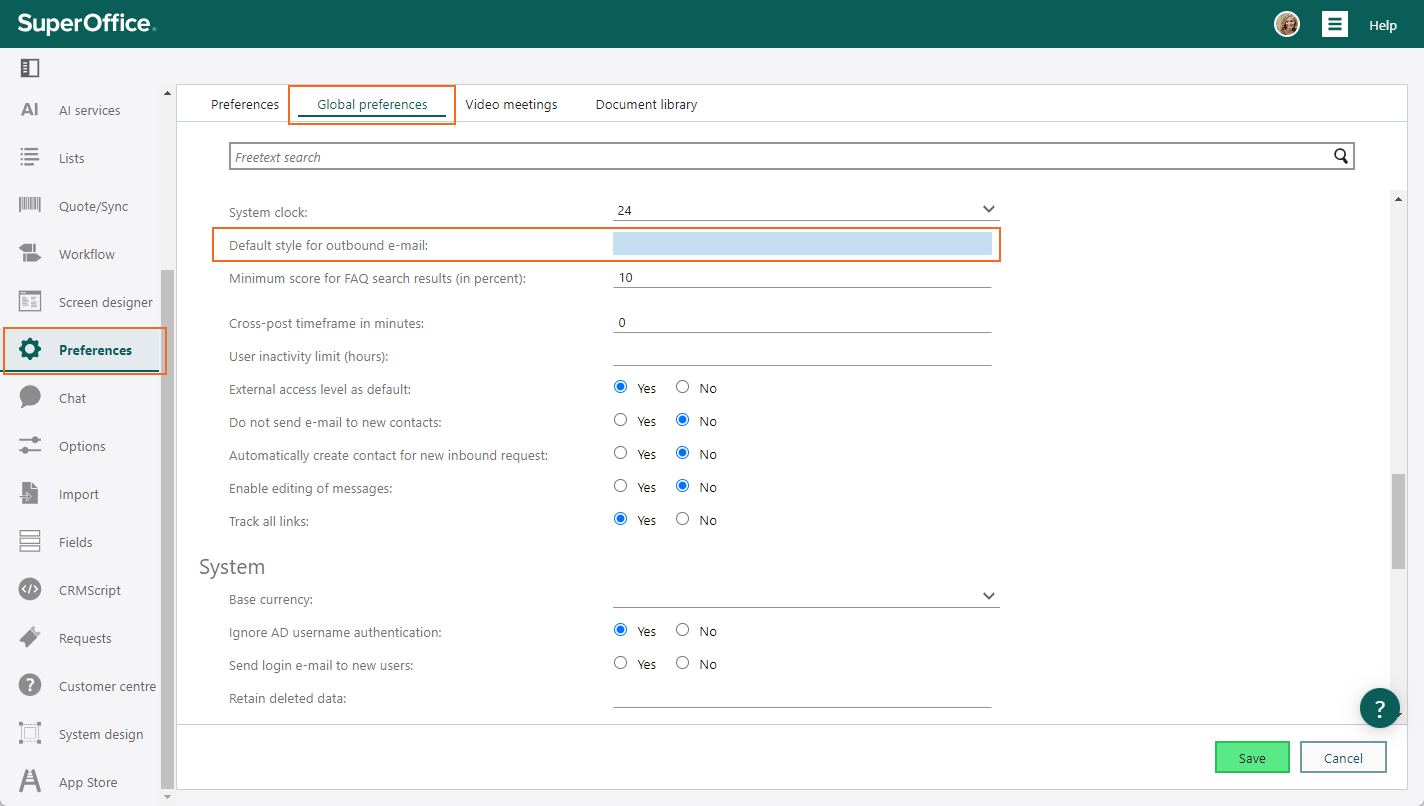
Dealing with contacts and customers is an united front for a company. Being able to fine-tune the emails sent by all users in a company, makes it easier to have a common appearance.- Go to Settings and maintenance and select Preferences in the navigator.
- Select the Global preferences tab.
-
In the Default style for outbound e-mails field, enter HTML code. For example:
- Click Save.
Compact text format area for requests
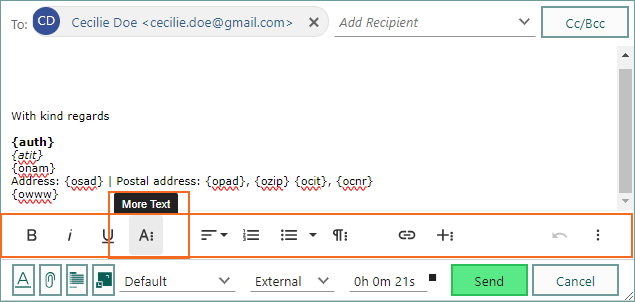
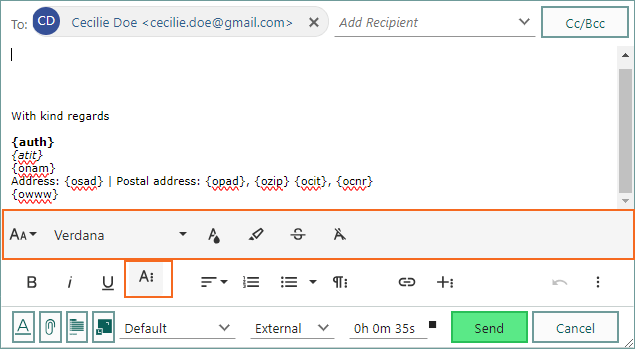
Space is limited when handling requests on smaller screens. The compacted text formatting bar lets you view more of the message content. By default, you have one row of options. Click the More button to show additional options. Text formatting options are grouped by type.