Preview with quick edit
When reviewing a list of requests, you may notice the need to make minor adjustments to a request. In the preview of the request, you can use the drop-down lists to efficiently change the status, owner, and category.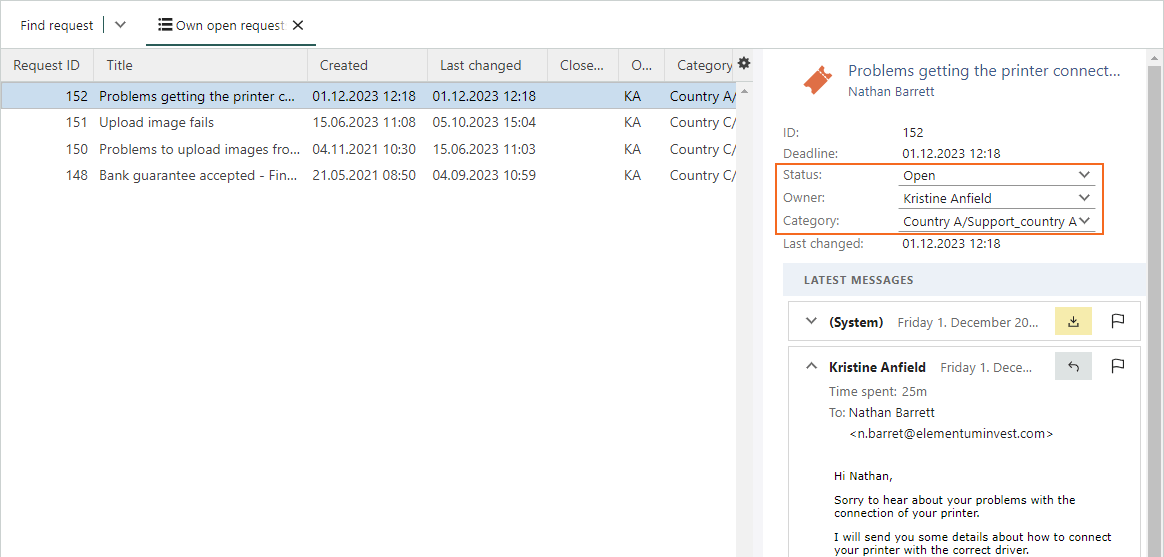
Rearrange Request section tabs
If you find yourself with multiple section tabs on the Request screen, it’s convenient to arrange them in the order that suits you best. Simply use drag-and-drop to organize the tabs in the sequence that matters most to you.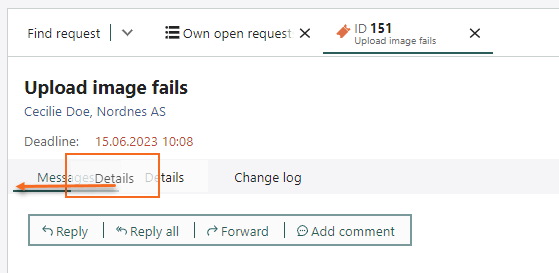
Contact automatically added to To field in new request
When creating a new request, you encounter two fields for contact information: the Contact field and the To field, both within the request. Including a contact in the Contact field will instantly populate the same contact in the To field.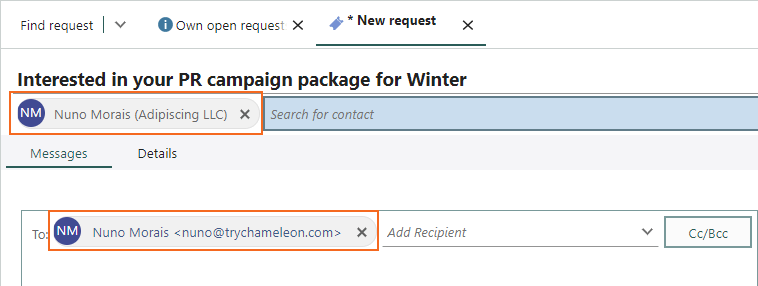
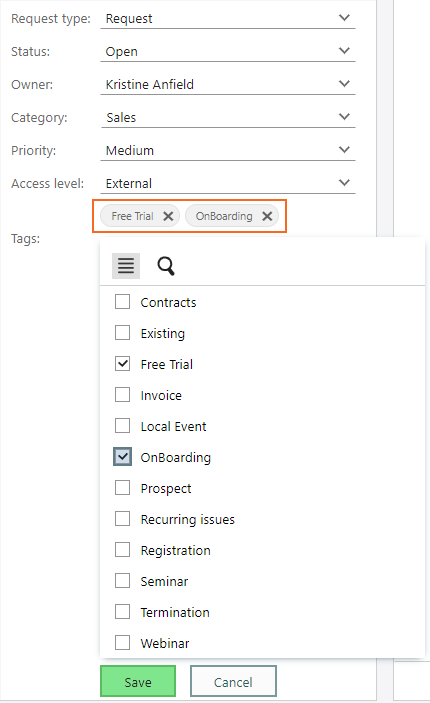
Add multiple tags at once to a request
Tags assist in grouping your various requests, making them easy to locate. If you’ve configured requests with multiple tags, adding several tags at once is a straightforward process.